

GBOX
For Android
Screenshot
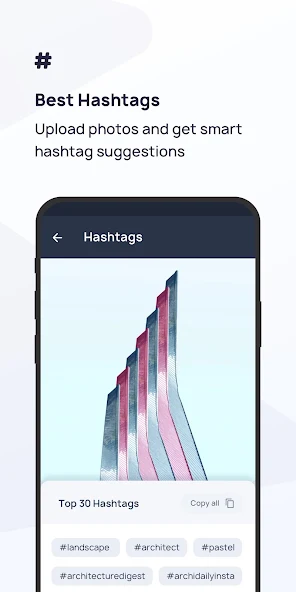
Apps Introduction
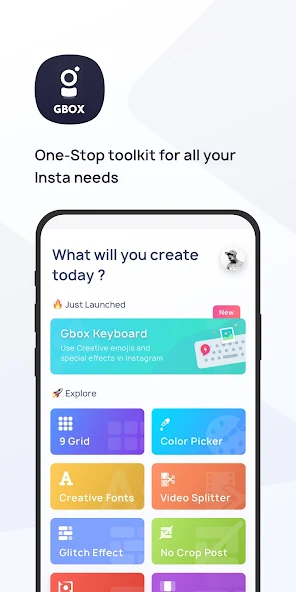
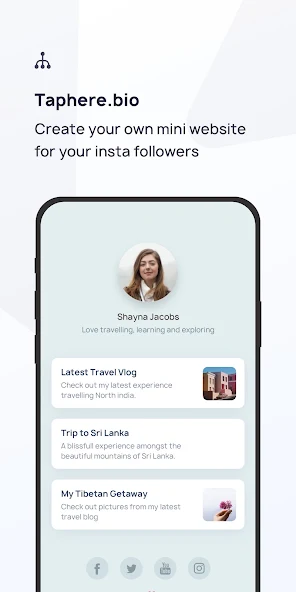
For those seeking to elevate their Instagram presence, GBOX is an innovative Android application designed to enhance your social media experience. GBOX offers a comprehensive toolbox packed with multiple features that cater to the creative needs of Instagram enthusiasts. Whether you want to create swipeable photos, post full-sized images without cropping, or add creative fonts to your bios, GBOX has something for everyone. Android users interested in maximizing their Instagram engagement without the hassle of complex editing might find this app both useful and exciting.
Main Features and Tools
GBOX brings forth a variety of tools tailored to enhance Instagram interactions:
- Swipeable Photo: Seamlessly divide a single image into three parts to create an interactive swipe effect.
- No Crop Post: Share full-sized pictures with ease, bypassing Instagram's cropping constraints.
- Video Splitter: Effortlessly split long videos into 15-second segments suitable for Instagram stories.
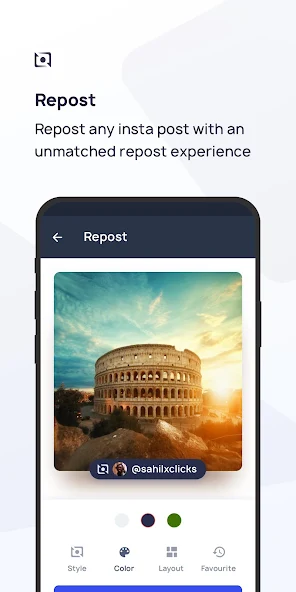
- Repost Functionality: Share content from other creators while giving them proper credit.
Creative Features
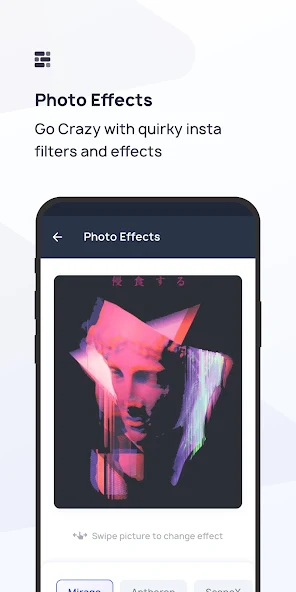
- Glitch Effects: Apply vintage and glitch effects to add unique aesthetics to your photos.
- Top Nine Collage: Compile your top nine most liked photos into a single collage, perfect for year-end sharing.
- 9 Grid Layout: Create visually appealing grids that enhance your profile layout.
- Creative Fonts and Hashtags: Access a variety of font styles and find the most popular hashtags to boost post reach.
Practical Applications for Instagram Users
GBOX simplifies social media management with its versatile suite of tools. Frequent Instagram users can easily organize their content with tools like 'Space Adder' for cleaner captions. For those interested in branding or aesthetic tailoring, the 'Color Picker' provides color names from uploaded images for cohesive theme creation. Overall, GBOX caters to both casual and professional users aspiring to maintain or heighten their Instagram impact efficiently.
Advantages and Compatibility
A major advantage of GBOX is its ability to integrate seamlessly with existing Instagram strategies, offering convenient solutions to elevate content presentation. While it's crafted to support those seeking creative innovation, it remains straightforward enough for users of all skill levels. GBOX operates effectively across a wide range of Android devices, ensuring accessibility for a broad audience.
Final Thoughts on GBOX for Android
GBOX stands out as a must-have application for any Instagram enthusiast looking to delve into creative possibilities and enhance their profile curation effortlessly. With its diverse range of tools designed to manage and elevate Instagram content, the app proves to be an essential companion for both personal and professional use. Interested users can explore the Android download details to start utilizing GBOX’s features and witness their social media presence transform. Dive into the world of enhanced Instagram engagement with GBOX, designed for convenience and creativity.
Apps Information
-
Size
41.78M
-
Language
English
-
Developer
Jay Kapoor
-
Version
v0.6.60
-
Updated
11 20, 2026
-
Package
com.dageek.socialtoolbox_android
-
Category
Photo Enhancement
Related Topics
More- Best Tools Apps

11 18, 2026Update
Get the best Android utility apps in 2026. Download free tools for file management, phone cleaning, security, system optimization, and everyday productivity.





Related News
More


You Might Also Like
Change










Question
- Download failed
- Outdated Resources
- Resource Error
- Viral Applications
- Pornography
- Gambling
- Political Unrest
- Fraud
- Infringement
- Other
Description
Tel
Report or Correction