
Dig
For Android
Screenshot

Apps Introduction
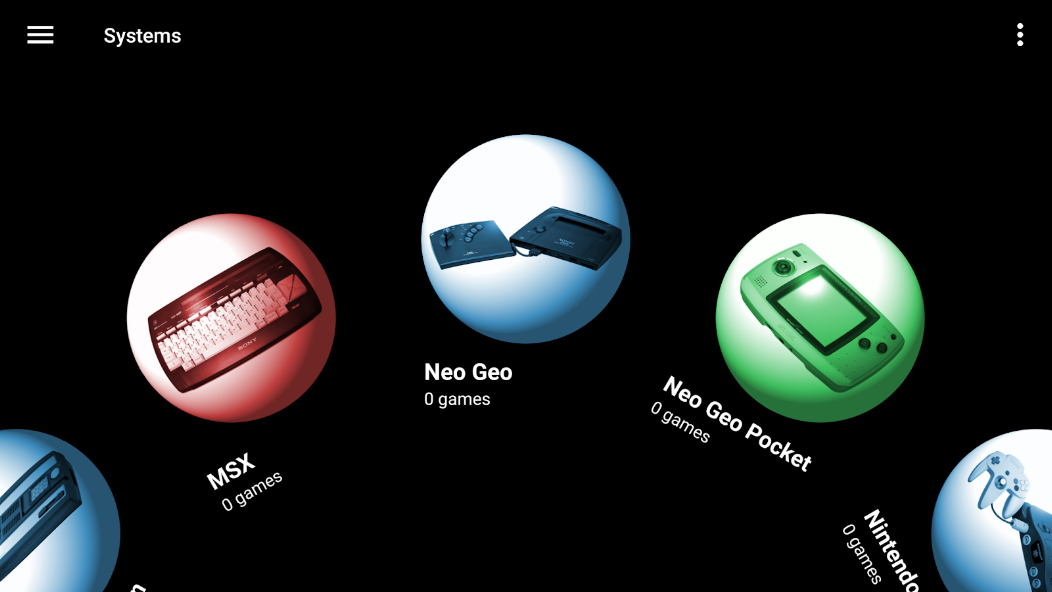
Discover an innovative utility for retro gaming fans with Dig, an outstanding Android application. Designed as an advanced emulator front-end, Dig enhances your gaming experience by organizing and managing your extensive collection of retro games seamlessly. With an intuitive setup, this app scans your device, fetching cover art and automatically assigning emulators. For Android users passionate about reliving classic gaming memories, Dig offers a streamlined and efficient solution to transform your library into an accessible gaming paradise. Whether you’re a casual player or a vintage enthusiast, you’ll find Dig an indispensable tool in your gaming setup.
Efficient Retro Game Management
Dig stands out by providing powerful functionality to organize your vintage game collection effortlessly. One of its core features is the ability to automatically detect games on your device and assign the appropriate emulators for each. This automation minimizes the time and effort required to enjoy your favorite classics, making it especially useful for users with large libraries.
Broad Emulator Support
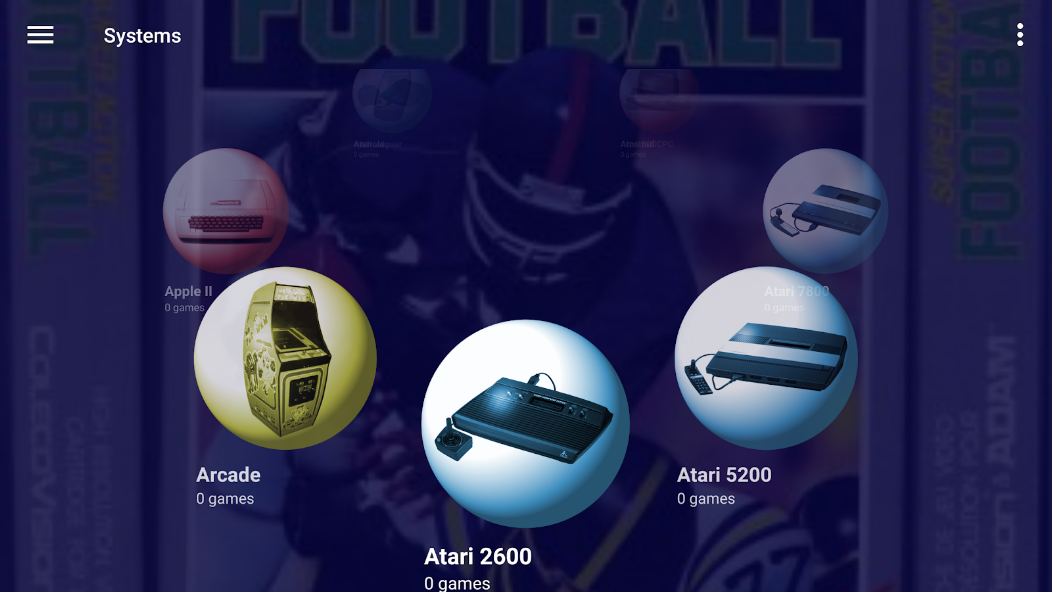
Supporting over 83 systems, Dig ensures compatibility with an extensive range of emulators available for download. It guides users through the process of installing emulators, linking directly to their Play Store pages when necessary. This ensures that users can access and play their varied collections across different platforms with ease.
Customizable User Interface
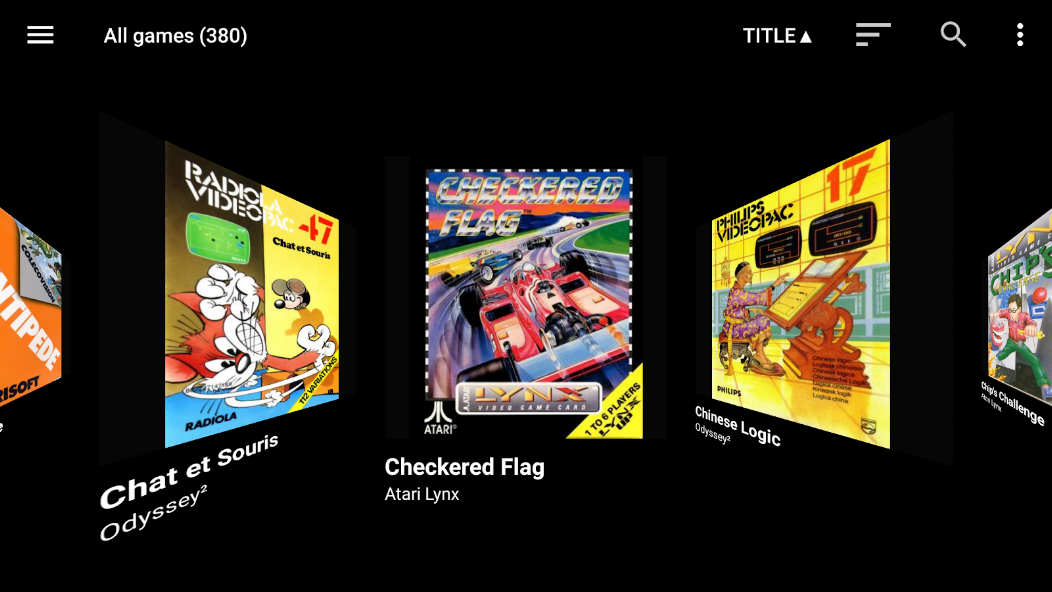
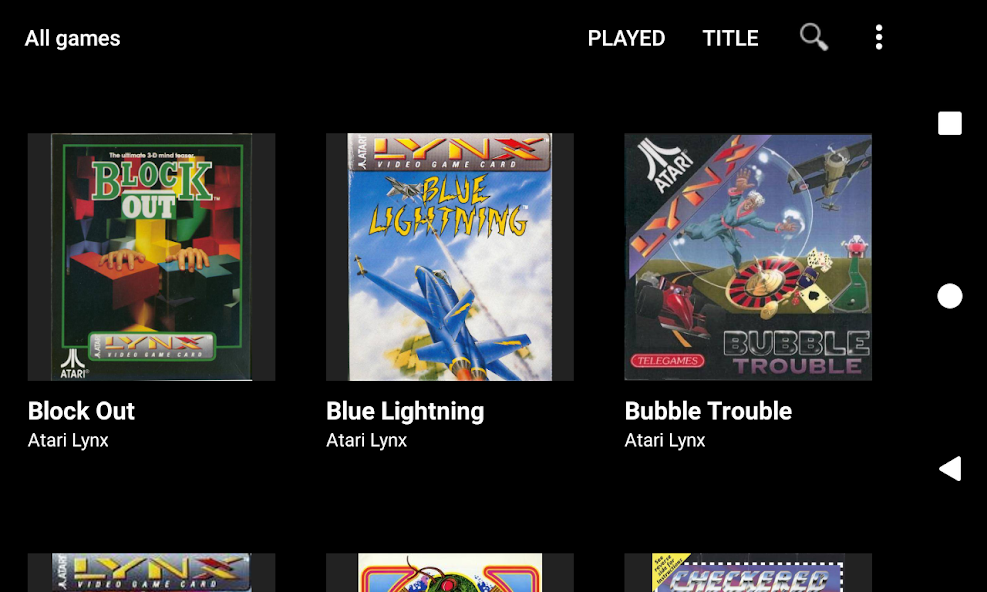
Dig provides a tailored experience with its customizable themes, including optional background pictures, videos, and sound effects. With six different game view types and the ability to launch games directly from your Android homescreen, Dig offers versatility in how you interact with your game collection, ultimately enhancing user satisfaction.
Advanced Features and Accessibility
Beyond organization and appearance, Dig includes advanced features such as merged game sets and support for zipped CD images, ensuring a comprehensive and efficient management experience. The inclusion of voice search further adds to its user-friendly approach, simplifying the process of finding and launching games.
Getting Started with Dig
To begin your journey with Dig, users can easily download the APK via Apkmody. Following an effortless installation process, you'll enjoy immediate access to Dig's features. While Dig automates much of the game organization, you'll need to supply the games and install the emulators yourself, ensuring you have complete control over your gaming setup.
Explore Gaming's Golden Era with Dig
Dig brings an unparalleled level of organization and ease to managing retro gaming collections on Android devices. Its broad emulator support, customization options, and user-friendly features make it a must-have for any retro gaming aficionado. Whether you aim to rejuvenate your nostalgic gaming experiences or streamline your vast library, Dig provides the tools to do so effortlessly. Eager to elevate your retro gaming experience? Visit the Dig download page for more information and start organizing your collection with ease today.
Apps Information
-
Size
36.8M
-
Language
English
-
Developer
Dig Games
-
Version
v1.44.3
-
Updated
11 20, 2026
-
Package
com.digdroid.alman.dig
-
Category
Entertainment Apps
Related Topics
More- Best Tools Apps

11 18, 2026Update
Get the best Android utility apps in 2026. Download free tools for file management, phone cleaning, security, system optimization, and everyday productivity.





Related News
More


You Might Also Like
Change




Similar Apps
More-
View
 Memasik
29.99M
-
View
 Paris 2024 Olympics
34.57M
-
View
 SimSimi
205.11M
-
View
 LIVE Score
110.47M
-
View
 Tampa Bay Buccaneers Mobile
189.66M
-
View
 MeloShort
126.42M
-
View
 Fishing Points
66.18M
-
View
 StoryReel
126.82M
Featured Topics
More


Popular Apps
More



Question
- Download failed
- Outdated Resources
- Resource Error
- Viral Applications
- Pornography
- Gambling
- Political Unrest
- Fraud
- Infringement
- Other
Description
Tel
Report or Correction