

aPlayer
For Android
Screenshot
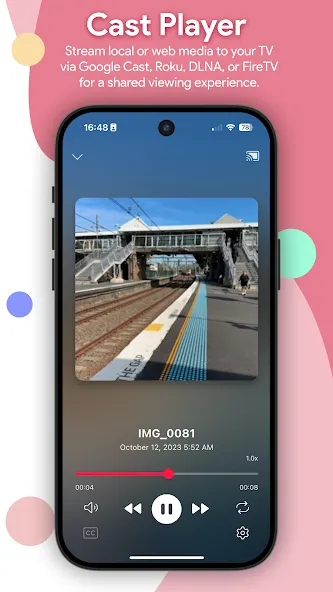
Apps Introduction
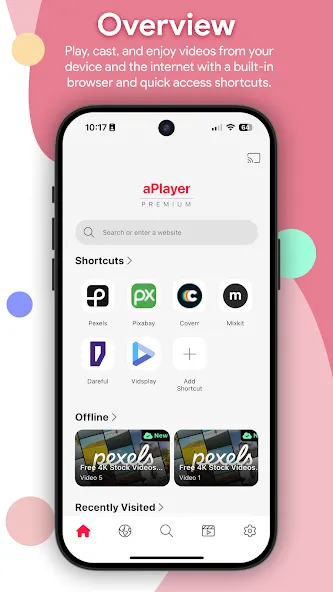
For those looking to enhance their media experience on Android devices, aPlayer offers an impressive solution. aPlayer is a powerful media utility that stands out with its comprehensive video player and seamless screen casting capabilities. Users can enjoy a wide array of video formats with support for 4K UHD and full HD resolutions, making it a go-to choice for anyone who enjoys watching high-quality content on their devices. Whether you want to play local media or stream it to a larger screen, aPlayer has you covered with features that cater to both scenarios.
Comprehensive Video Playback
aPlayer provides a professional-grade video playback experience, supporting all major video formats such as MP4, MKV, AVI, MOV, and more. The app enhances viewing with hardware acceleration for smoother playback of full HD and 4K UHD videos. Users can adjust playback speed and use gesture controls to manage volume, brightness, and navigation easily. Additionally, subtitle support for SRT and VTT formats ensures aPlayer can meet diverse viewing preferences.
Seamless Screen Casting
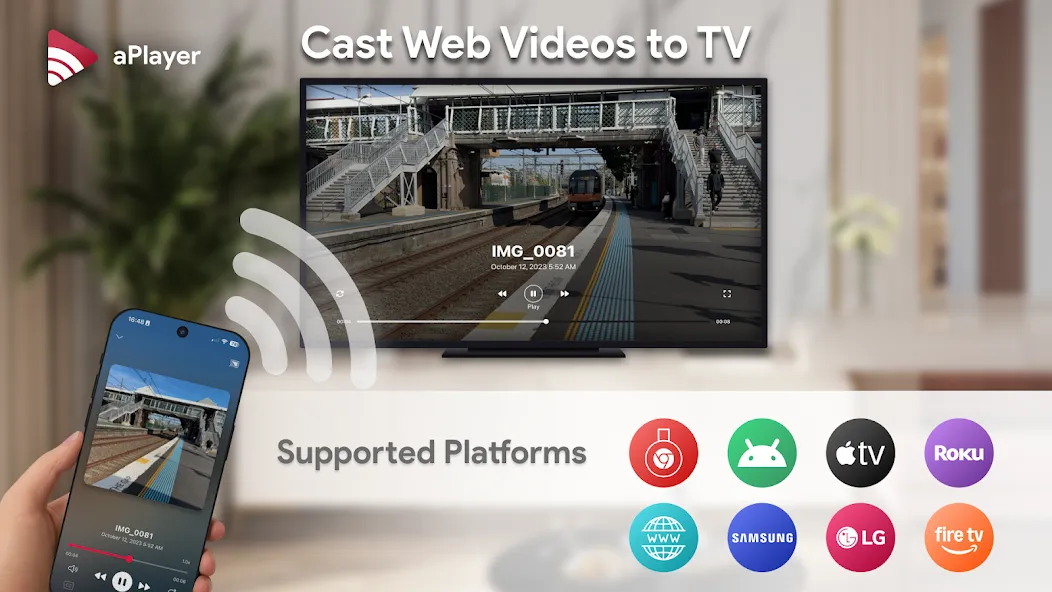
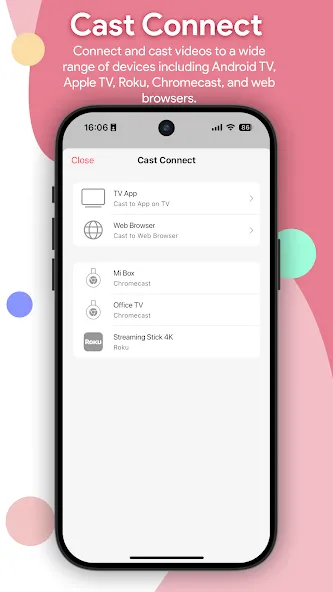
The application's casting capabilities allow users to connect their mobile devices to a big screen without hassle. aPlayer supports casting to Chromecast, Google Cast, and a variety of Smart TVs including Android TV, Apple TV, and more. DLNA support ensures compatibility with numerous streaming devices, providing a versatile media sharing experience that enhances any media setup.
User-Friendly Features
aPlayer includes helpful tools such as picture-in-picture mode for multitasking, night mode for comfortable viewing in dimly lit environments, and screen lock to prevent accidental touches. These features contribute to an exceptional user experience, making media consumption and navigation streamlined and efficient.
Integrated Web Browser
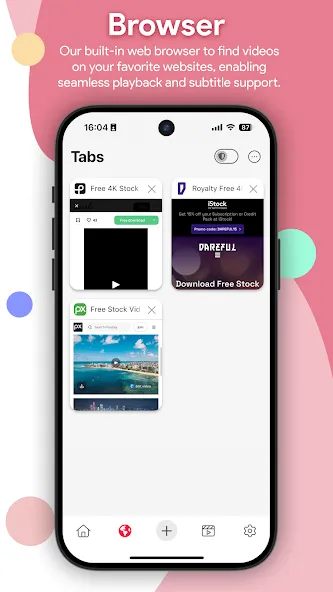
Another unique feature of aPlayer is its built-in web browser. Users can seamlessly browse favorite websites and watch online video content within the app, with privacy-focused options like multiple tabs, local history storage, and a dedicated privacy mode. This integration allows aPlayer to become not just your media player but a hub for online entertainment.
Conclusion: Your Go-To Media Utility
In conclusion, aPlayer is an Android application designed for users who value high-quality media playback and convenience. Its powerful video player, advanced casting options, and user-centric features make it a versatile tool suitable for a wide range of media consumption needs. If you're interested in exploring aPlayer's capabilities, you can find more information and download instructions for the aPlayer APK on compatible websites. Whether you're streaming at home or on the go, aPlayer enhances your media experience with ease and efficiency.
Apps Information
-
Size
25.04M
-
Language
English
-
Developer
Alpha Studio Team
-
Version
v3.8.0
-
Updated
11 20, 2026
-
Package
team.alpha.aplayer
-
Category
Video & Audio
Related Topics
More- Entertainment Apps Free
- Best Tools Apps

11 18, 2026Update
Find the best free entertainment apps for Android in 2026. Watch movies, stream music, enjoy short videos and live content, and turn your phone into an all-in-one entertainment hub.
-
View
 Ad Blocker
System Tools / 8.92MB
-
View
 TCL Remote
System Tools / 49.37MB
-
View
aPlayer
Video & Audio / 25.04MB
-
View
 Paris 2024 Olympics
Entertainment Apps / 34.57MB
-
View
 SimSimi
Entertainment Apps / 205.11MB
-
View
 YourHour
System Tools / 7.43MB

11 18, 2026Update
Get the best Android utility apps in 2026. Download free tools for file management, phone cleaning, security, system optimization, and everyday productivity.






Related News
More


You Might Also Like
Change


Similar Apps
More-
View
 Music Speed Changer
26.22M
-
View
 Replaio Radio
34.66M
-
View
 Zoomerang
115.84M
-
View
 Avee Player
20.07M
-
View
 Veffecto
81.41M
-
View
 mAst
133.25M
-
View
 Mstudio
59.89M
-
View
 GOM Player
71.45M
Featured Topics
More


Popular Apps
More


Question
- Download failed
- Outdated Resources
- Resource Error
- Viral Applications
- Pornography
- Gambling
- Political Unrest
- Fraud
- Infringement
- Other
Description
Tel
Report or Correction