

Duplicate Remover
For Android
Screenshot
Apps Introduction
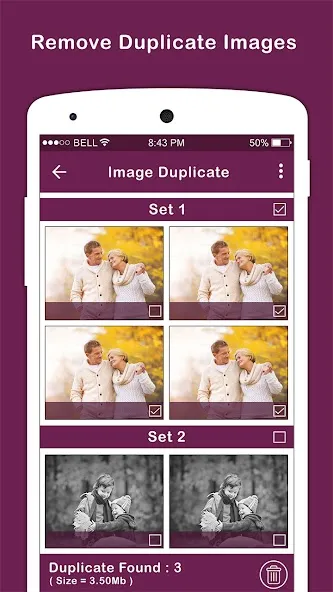
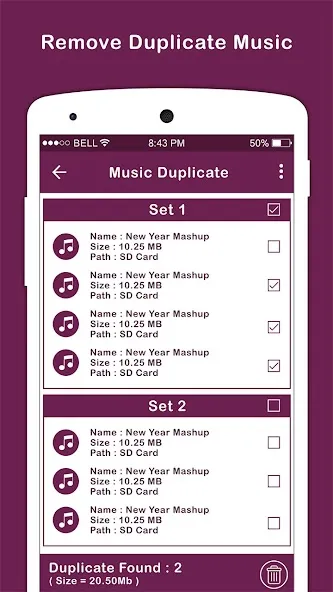
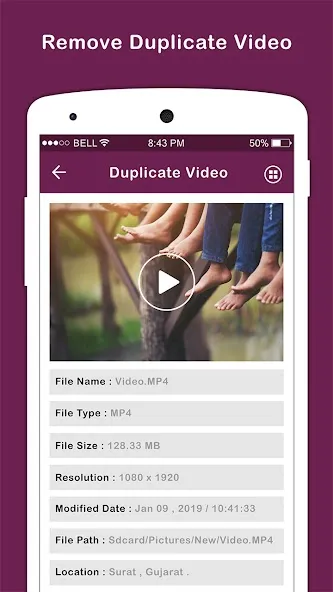
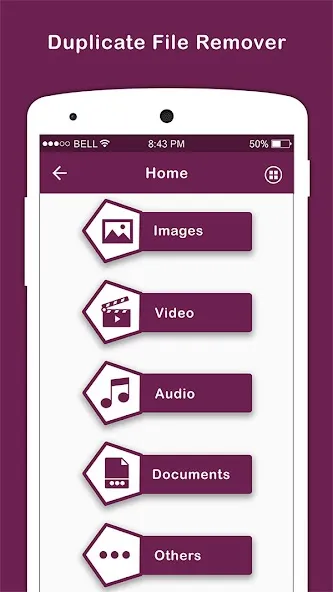
Duplicate Remover is a practical Android application designed to help users manage and optimize their digital space by eliminating redundant files effortlessly. Its primary purpose is to clear up clutter, enhance device performance, and optimize storage. With a straightforward interface and smart scanning capabilities, Duplicate Remover empowers users to easily identify and delete duplicate files, such as photos, audios, and videos. By utilizing this app, users can expect a streamlined digital experience and a significant boost in their device's efficiency.
Efficient Scanning Modes for Duplicate Removal
Duplicate Remover offers a highly efficient way to declutter your device with its tailored scanning modes. These modes provide a personalized approach to identifying duplicate files, allowing users to choose the criteria that best suit their needs. Whether focusing on specific file types or running a comprehensive scan across the entire device, users can ensure that no duplicate goes unnoticed.
Comprehensive Duplicate File Handling
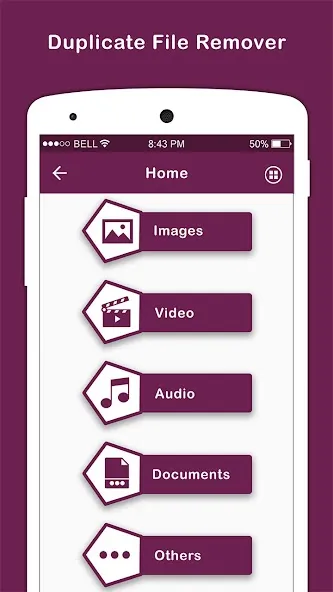
With Duplicate Remover, users can target multiple types of duplicate files simultaneously. The application efficiently scans for and removes duplicate audios, videos, photos, and generic files, ensuring that users reclaim valuable storage space and optimize device performance. In addition to file management, the app is capable of cleaning up duplicate contacts, maintaining an organized address book without redundant entries.
Intuitive User Interface
The app prides itself on its simple and user-friendly interface, making it accessible for users of all levels. The intuitive design ensures that even those with minimal technical knowledge can navigate and operate the app effectively. With just a few taps, users can manage their duplicated files and maintain a clutter-free, organized device effortlessly.
Proactive Duplicate Management
Keeping users informed and proactive in their file management, Duplicate Remover provides daily notifications regarding new duplicate files. This feature allows users to stay on top of potential clutter, ensuring that their devices remain efficient and organized. By addressing duplicates routinely, users can prevent performance slowdowns and maintain an optimal digital environment.
Concluding Thoughts on Duplicate Remover
Duplicate Remover stands out with its powerful yet easy-to-use features that effectively manage device storage by removing duplicate files. With smart scan modes and daily notifications, users can enjoy a clutter-free, organized digital space, enhancing overall device performance. This application is an excellent solution for those looking to optimize their Android device’s efficiency and functionality. For those interested, the app is readily available for free download, making it accessible to anyone seeking an improved digital experience.
Apps Information
-
Size
31.66M
-
Language
English
-
Developer
Vasundhara Infotech LLC
-
Version
v3.6
-
Updated
11 21, 2026
-
Package
com.duplicate.file.data.remover.cleaner.media
-
Category
System Tools
Related News
More


You Might Also Like
Change


Similar Apps
More-
View
 CountThings
256.39M
-
View
 Snap Markup
46.42M
-
View
 ColorFulCalc
11.58M
-
View
 Video Player
13.76M
-
View
 Mirroring
2.41M
-
View
 Better File Cleaner
21.72M
-
View
 Timy Alarm Clock
11.91M
-
View
 Unpluq
26.34M
Featured Topics
More


Popular Apps
More-
View
 MP3 Recorder
5.37M
-
View
 Yoga
46.31M
-
View
CountThings
256.39M
-
View
 Tezza
401.30M
-
View
 Rap Fame
69.83M
-
View
Snap Markup
46.42M
-
View
 NetBoom
51.42M
-
View
 Text On Photo
97.88M
Question
- Download failed
- Outdated Resources
- Resource Error
- Viral Applications
- Pornography
- Gambling
- Political Unrest
- Fraud
- Infringement
- Other
Description
Tel
Report or Correction