

Activity Launcher
For Android
Screenshot
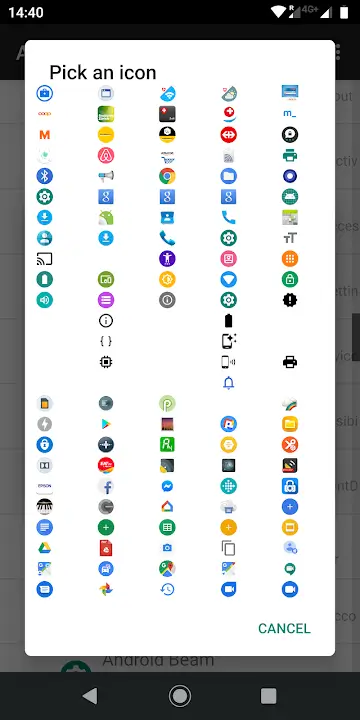
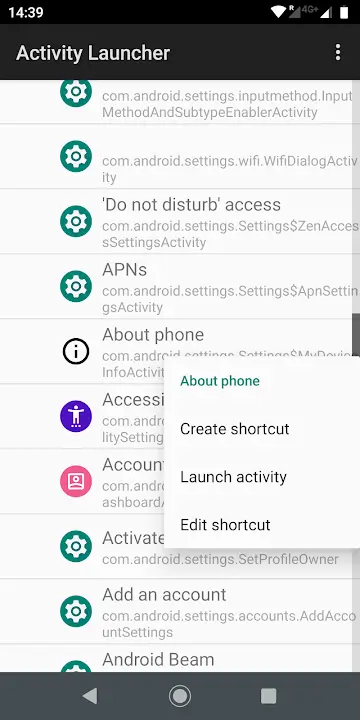
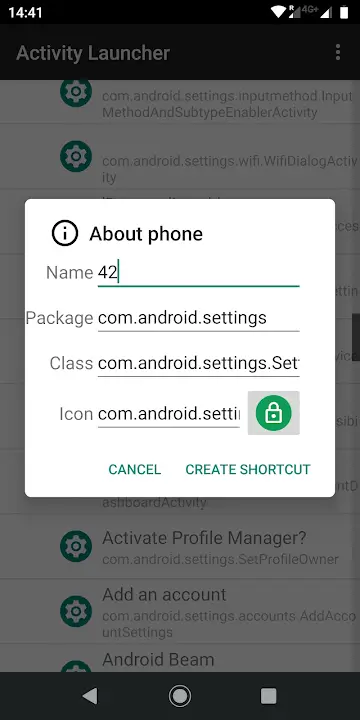
Apps Introduction
Activity Launcher is a versatile Android application designed for tech enthusiasts eager to explore hidden features within installed apps. The primary purpose of Activity Launcher is to grant users access to all hidden activities within various applications, thereby enhancing their app experience beyond the standard interface. With this user-friendly tool, you can easily browse through all installed apps, unveiling their internal processes, and create custom shortcuts on the home screen for quick access. Whether you're delving into system apps or third-party software, Activity Launcher offers an in-depth look at your device's potential functionalities.
Unlock Hidden Features of Your Android Apps
Activity Launcher provides comprehensive access to the hidden activities of all installed applications on your Android device. This powerful tool compiles a complete list of both games and non-gaming apps, allowing you to sort them by name or size for easier navigation. By clicking on a specific app icon, you uncover its processes and activities, granting you deeper insights into its capabilities. This way, users can explore a vast library of application functionalities that are often concealed within standard app interfaces, all at no extra cost.
Enhanced Customization and Efficiency
With Activity Launcher, customization takes center stage as you tailor your app experience to fit your needs. The application lets you interact with both system and third-party apps, each containing anywhere from 50 to 100 activities. Popular apps like WhatsApp, Facebook, and Instagram offer even more options for customization. Create and personalize desktop widgets for these activities, streamlining your workflow and increasing productivity. A useful search button at the top enhances efficiency, accompanied by sorting and filtering options to organize the settings list to your liking.
Smooth Performance and User Interaction
Among the multitude of apps available for launching in-app processes, Activity Launcher stands out with its superior performance. Known for its seamless operation, it enables users to quickly find any desired activity or process. The presence of a search button below each application’s list of activities allows for swift text-based searches. With over 10 million downloads on the Google Play Store, Activity Launcher shows its popularity and reliability. Every activity and process is easily accessible, making it an ideal tool for developers and integrators.
Create Handy Shortcuts on Your Home Screen
Not all apps in the Google Play Store provide the option to add home screen widgets, but Activity Launcher facilitates this through its sophisticated interface. By using Activity Launcher, you can effortlessly create shortcuts for specific app activities on your home screen. For instance, to initiate a new chat in WhatsApp Messenger without navigating through the app, this tool lets you create a direct shortcut to the "New Chat" window. Customizing this shortcut with other apps like Widgetopia becomes a breeze, enhancing user convenience.
Conclusion: A Must-Have for Android Enthusiasts
Activity Launcher presents itself as an invaluable tool for anyone looking to expand their interaction with Android applications. By exploring hidden features or setting up specific application shortcuts, this app caters to varied user needs. Its unique interface simplifies navigating app settings and processes, empowering users to choose desired activities easily. With Activity Launcher on your device, uncovering hidden app functionalities and customizing your experience becomes an effortless endeavor. If you're intrigued by what your apps can truly offer, exploring its Android download information could be your next step in unlocking this potential.
Apps Information
-
Size
67.21M
-
Language
English
-
Developer
Activity Launcher.
-
Version
v2.4.1
-
Updated
11 25, 2026
-
Package
de.szalkowski.activitylauncher
-
Category
System Tools
Related News
More


You Might Also Like
Change






Similar Apps
More-
View
 Manglish Keyboard
67.36M
-
View
 Artify
17.86M
-
View
 MultiTimer
9.84M
-
View
 Speed Test
22.17M
-
View
 Caynax Hourly Chime
20.92M
-
View
 Notifications archive
10.97M
-
View
 KillApps
23M
-
View
 VMOS PRO
37.12M
Featured Topics
More


Popular Apps
More-
View
 Phrasal Verbs
20.49M
-
View
Manglish Keyboard
67.36M
- View
-
View
 Movavi Clips
71.43M
-
View
Artify
17.86M
-
View
MultiTimer
9.84M
-
View
Speed Test
22.17M
-
View
 Video MP3 Converter
13.88M

Question
- Download failed
- Outdated Resources
- Resource Error
- Viral Applications
- Pornography
- Gambling
- Political Unrest
- Fraud
- Infringement
- Other
Description
Tel
Report or Correction