
Lock Screen
For Android
Screenshot
Apps Introduction
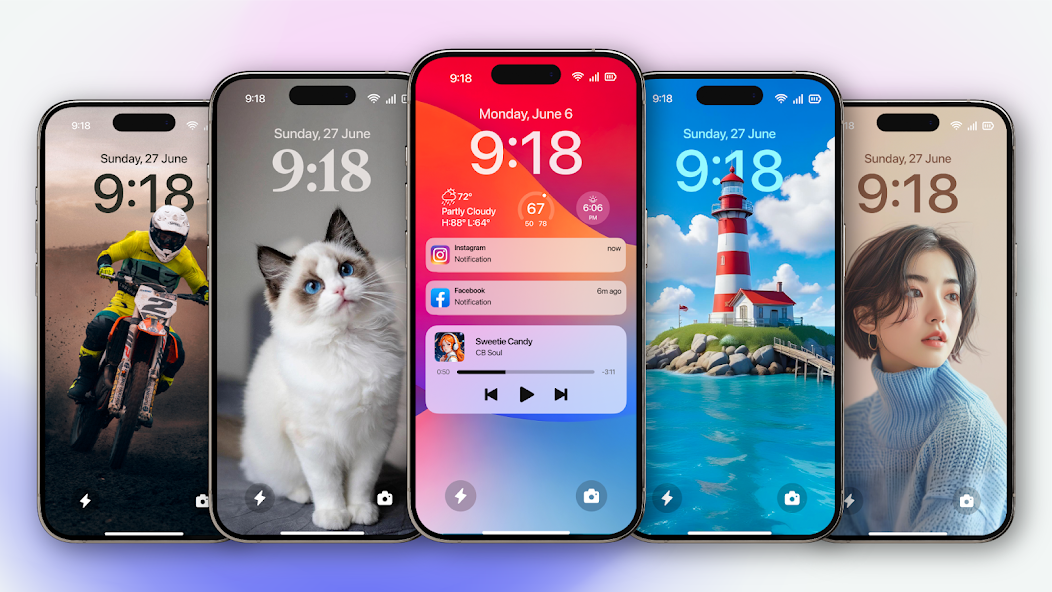
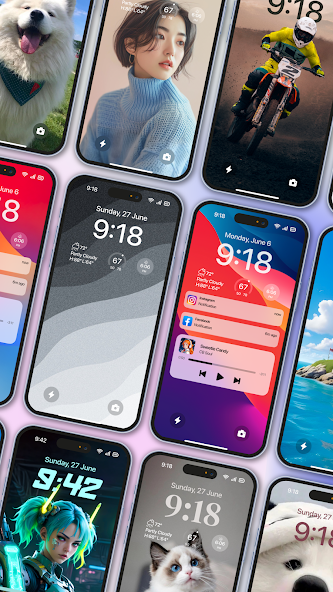
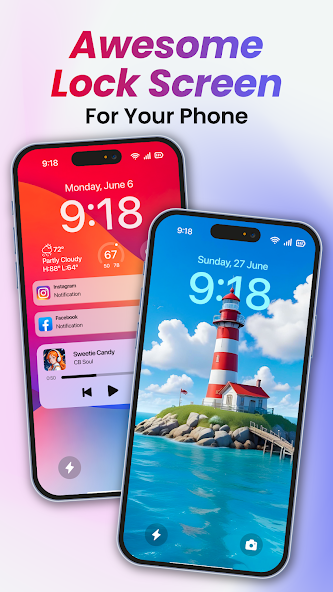
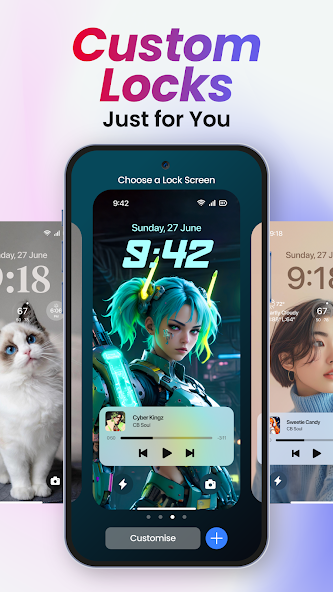
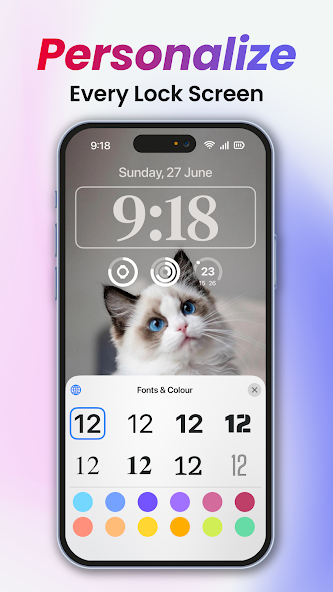
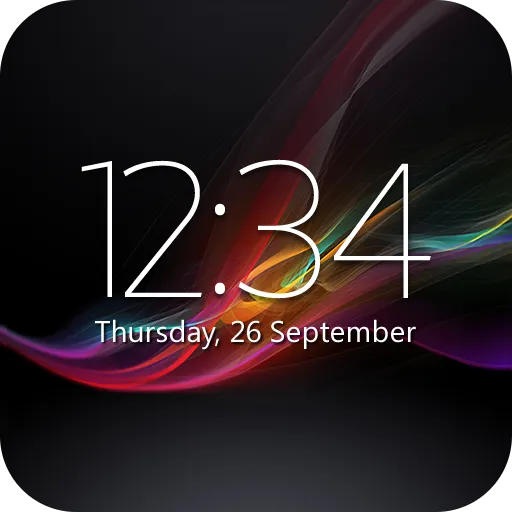
The Lock Screen Android application offers a sophisticated solution for personalizing your device's lock screen experience. Lock Screen OS serves as a remarkable alternative to the conventional Android system lock screen, providing users with innovative ways to display their favorite photos, customize font styles, and access a variety of widgets for quick information retrieval. Users can expect a seamless blend of practicality and personalization, transforming their smartphone into a more user-friendly and visually appealing device. With features designed to enhance and simplify the user experience, this app is sure to appeal to those looking to customize their lock screen efficiently.
Revamp Your Lock Screen Experience
Lock Screen OS brings a fresh wave of personalization to your Android device. One of its standout features allows users to create multiple lock screens, each boasting a unique background and style. Users can draw inspiration from a vast library of wallpapers and themed collections, ensuring that they have plenty of design options at their fingertips.
Efficient Notification Management
Stay on top of your notifications with Lock Screen OS's innovative notification viewing options. Choose between expanded list views, stacked views, or hidden views to tailor your notification display according to your preferences. This customization ensures that you never miss important alerts while maintaining a clean and organized lock screen.
Enhanced Accessibility Features
For optimal performance, Lock Screen OS requires specific permissions, such as camera access for quick photo capturing and reading phone status for displaying incoming calls. Other permissions include notification access, allowing users to view alerts directly from the lock screen, and read/write permissions for setting wallpapers from your storage. Granting these permissions enables the application to function effectively, providing a user-friendly experience.
Customization and Privacy
The app allows for extensive customization, with the ability to set a personalized password and manage system notifications effectively. Additionally, users are reassured that their data privacy is a priority, with no information being collected or shared from the granted accessibility permissions. This focus on privacy, combined with robust customization options, makes Lock Screen OS an attractive choice for users seeking greater control over their lock screens.
Getting Started with Lock Screen OS
Installing the Lock Screen Mod APK is a straightforward process that begins with downloading the file from trusted sources like Apkmody. Users need to enable "Unknown Sources" in their device settings to proceed with the installation. After downloading, simply install the APK file and grant the necessary permissions during setup to start customizing your lock screen with ease.
Unlock a New Level of Customization
Lock Screen OS is designed to enhance the user experience by elevating the personalization of Android device lock screens. With its customizable features, intuitive interface, and efficient notification management, this application is perfect for users who value both functionality and aesthetic appeal. Explore the potential of Lock Screen OS by downloading the application and transforming your device into a personalized powerhouse. Start by visiting reliable platforms to learn more about downloading and installing this innovative lock screen solution for Android.
Apps Information
-
Size
24.87M
-
Language
English
-
Developer
Apps Genz
-
Version
v4.0.10
-
Updated
11 26, 2026
-
Package
com.babydola.lockscreen
-
Category
Theme Wallpapers
Related Topics
More- Wallpaper Free APPS

11 18, 2026Update
Download the best free wallpaper apps for iPhone in 2026. Find HD wallpapers, live wallpapers, nature scenes, abstract designs, and home screen backgrounds.
-
View
 Nature Wallpapers
Theme Wallpapers / 9.41MB
-
View
 Proton
Theme Wallpapers / 50.26MB
-
View
 PastelLine
Theme Wallpapers / 44.19MB
-
View
 Super
Theme Wallpapers / 135.59MB
-
View
 Baked
Theme Wallpapers / 99.65MB
-
View
Lock Screen
Theme Wallpapers / 24.87MB
Related News
More


You Might Also Like
Change



Similar Apps
More-
View
Nature Wallpapers
9.41M
-
View
Proton
50.26M
-
View
PastelLine
44.19M
-
View
Super
135.59M
- View
-
View
Baked
99.65M
-
View
 True Amps
11.71M
-
View
 Dynamic Island
25.7M
Featured Topics
More


Popular Apps
More-
View
 Level SuperMind
95.67M
-
View
 Amor AI
29.48M
-
View
 Texpand
34.52M
-
View
 Restyle
17.04M
-
View
 Root Booster
2.68M
-
View
 CDisplayEx
14.43M
-
View
 Film Maker Pro
38.26M
-
View
 Filmic Pro
58.96M
Question
- Download failed
- Outdated Resources
- Resource Error
- Viral Applications
- Pornography
- Gambling
- Political Unrest
- Fraud
- Infringement
- Other
Description
Tel
Report or Correction