

PastelLine
For Android
Screenshot
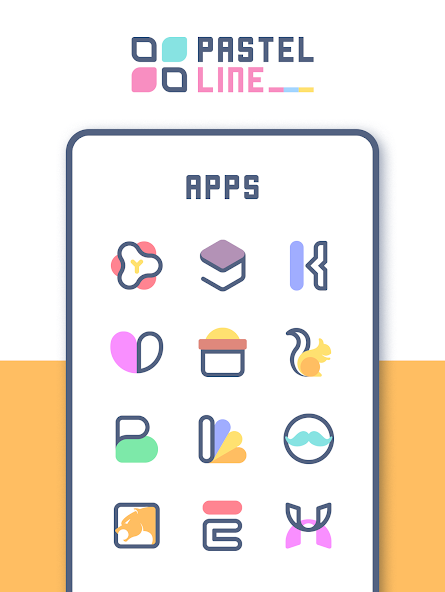
Apps Introduction
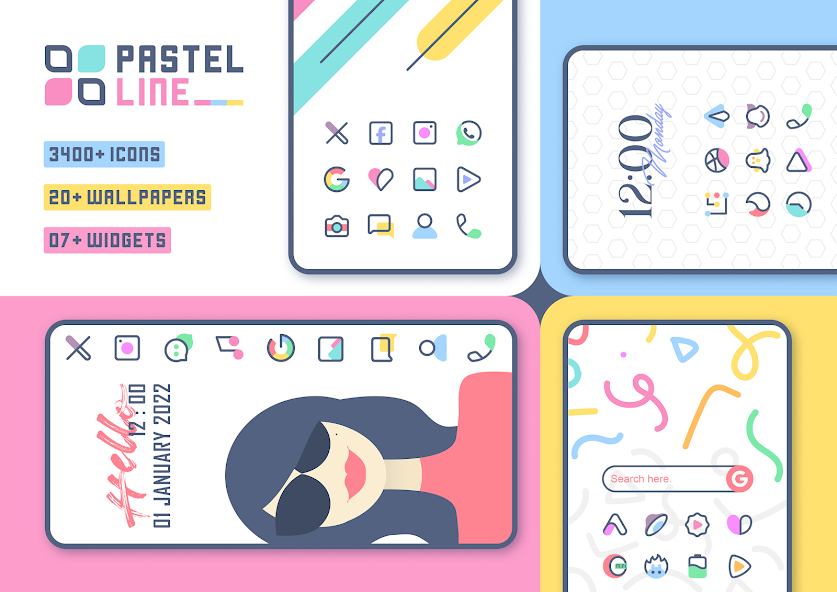
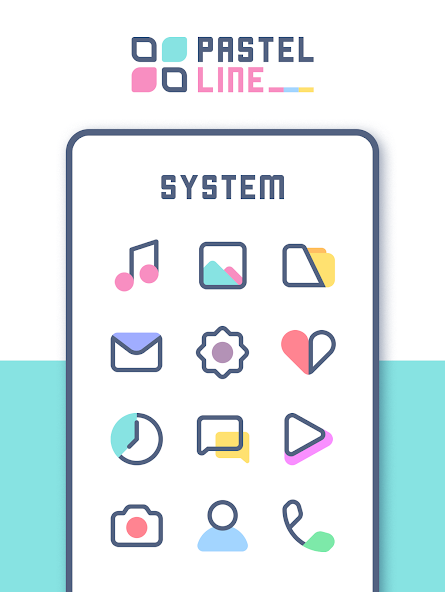
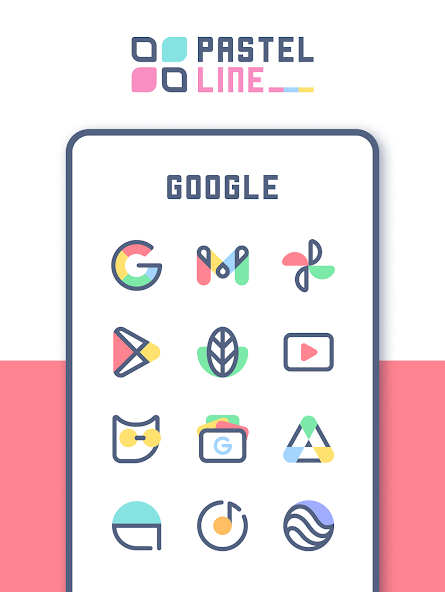
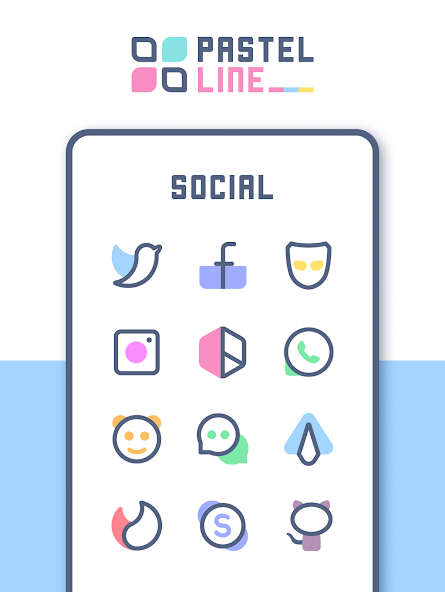
PastelLine is an innovative Android icon pack application that transforms your device’s interface with a stunning pastel-themed design. By combining pastel shapes with clean lines, PastelLine offers a visually captivating customization experience. Users will appreciate the richness of its features, which include an extensive collection of beautiful icons and wallpapers, perfect for those who wish to breathe new life into their device screens. Whether you're a customization enthusiast or simply looking to refresh your home screen's appearance, PastelLine's comprehensive selection of icons and widgets elevates your Android interface to a new artistic level.
Stunning Icon Collection and Weekly Additions
PastelLine is renowned for its impressive icon collection, offering over 3250 beautifully crafted icons with a lovely pastel aesthetic. The icon pack is consistently updated with new icons, ensuring users have access to fresh designs on a regular basis. This makes it an excellent choice for those who want to keep their device looking current and unique.
Comprehensive Customization Tools
The application provides more than just icons; it offers a suite of customization tools, including 20+ handcrafted wallpapers and 7+ widgets compatible with KWGT. For users looking to personalize every aspect of their device, PastelLine includes alternative icons for deeper customization and the ability to request new icons easily. Dynamic calendar support and a selection of custom app drawer icons further enhance the personalization options.
User-Friendly Interface and Launcher Compatibility
PastelLine is designed for ease of use, featuring an intuitive interface that simplifies the customization process. With easy icon previews and a search option, finding and applying icons is a breeze. It supports many popular launchers, making it accessible to a wide range of users. However, it's crucial to note that a supported theme launcher is required for the icon pack to function properly.
Installation and Usage Tips
To use PastelLine, install a compatible theme launcher and then apply the icon pack through the app. It's recommended to adjust icon size to 90%-100% for optimal appearance and disable the icon normalization feature. For any questions or support, users can refer to the help section within the app or reach out via the provided contact information.
Conclusion: Refresh Your Android with PastelLine
For Android users keen on personalizing their device's interface with unique and vibrant icons, PastelLine is the icon pack to consider. Its combination of pastel aesthetics, extensive customization options, and regular updates makes it a versatile choice for enhancing your device's appearance. Whether you're a fan of minimalist designs or searching for a more artistic touch, PastelLine promises a refreshing upgrade from the ordinary. Explore the delightful PastelLine icon pack through Android download sources and redefine how you interact with your device.
Apps Information
-
Size
44.19M
-
Language
English
-
Developer
ArrowWalls
-
Version
v2.9
-
Updated
11 26, 2026
-
Package
com.arrow.icons.pastelline
-
Category
Theme Wallpapers
Related Topics
More- Wallpaper Free APPS
- Best Tools Apps

11 18, 2026Update
Download the best free wallpaper apps for iPhone in 2026. Find HD wallpapers, live wallpapers, nature scenes, abstract designs, and home screen backgrounds.
-
View
 Nature Wallpapers
Theme Wallpapers / 9.41MB
-
View
 Proton
Theme Wallpapers / 50.26MB
-
View
PastelLine
Theme Wallpapers / 44.19MB
-
View
 Super
Theme Wallpapers / 135.59MB
-
View
 Baked
Theme Wallpapers / 99.65MB
-
View
 Lock Screen
Theme Wallpapers / 24.87MB

11 18, 2026Update
Get the best Android utility apps in 2026. Download free tools for file management, phone cleaning, security, system optimization, and everyday productivity.
-
View
 Level SuperMind
Lifestyle Services / 95.67MB
-
View
 Texpand
System Tools / 34.52MB
-
View
 Restyle
Photo Enhancement / 17.04MB
-
View
 Root Booster
System Tools / 2.68MB
-
View
 Film Maker Pro
Photo Enhancement / 38.26MB
-
View
 Filmic Pro
Photo Enhancement / 58.96MB
Related News
More


You Might Also Like
Change




Similar Apps
More-
View
Nature Wallpapers
9.41M
-
View
Proton
50.26M
-
View
Super
135.59M
- View
-
View
Baked
99.65M
-
View
Lock Screen
24.87M
-
View
 True Amps
11.71M
-
View
 Dynamic Island
25.7M
Featured Topics
More


Popular Apps
More-
View
Level SuperMind
95.67M
-
View
 Amor AI
29.48M
-
View
Texpand
34.52M
-
View
Restyle
17.04M
-
View
Root Booster
2.68M
-
View
 CDisplayEx
14.43M
-
View
Film Maker Pro
38.26M
-
View
Filmic Pro
58.96M
Question
- Download failed
- Outdated Resources
- Resource Error
- Viral Applications
- Pornography
- Gambling
- Political Unrest
- Fraud
- Infringement
- Other
Description
Tel
Report or Correction