
Sliced
For Android
Screenshot
Apps Introduction
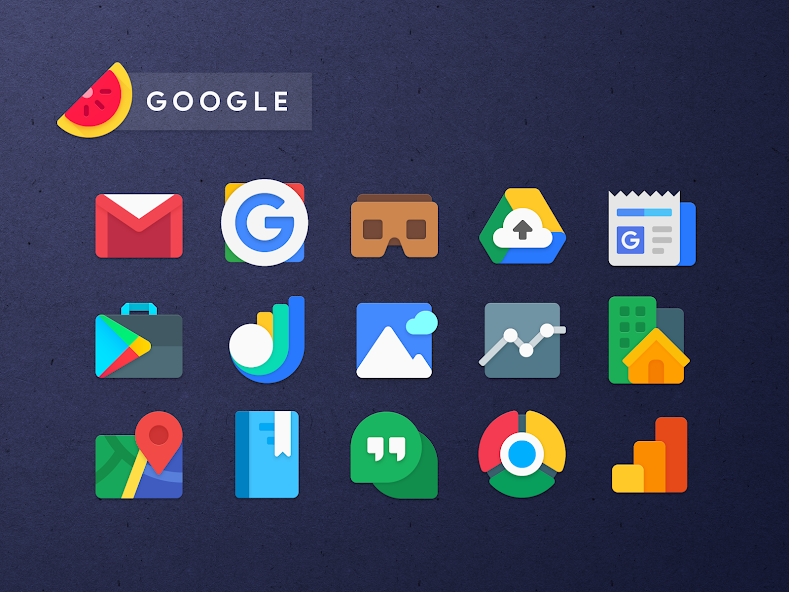
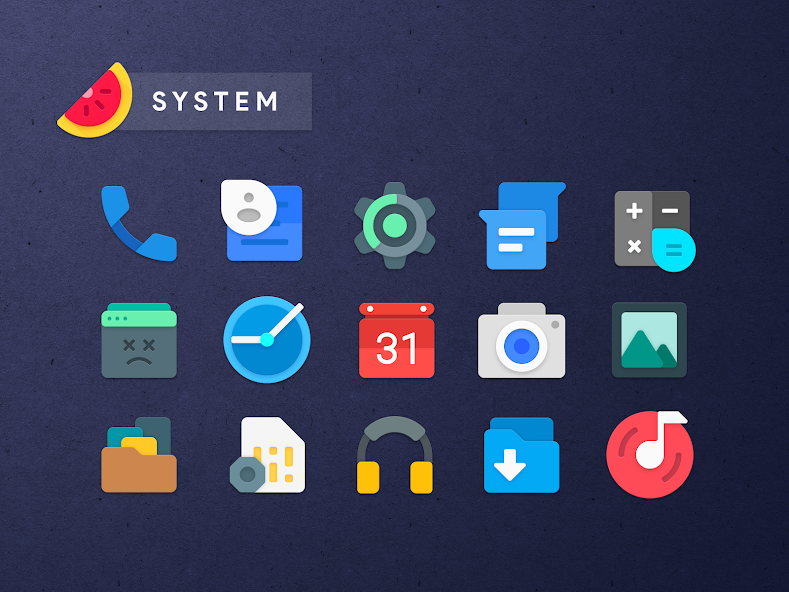
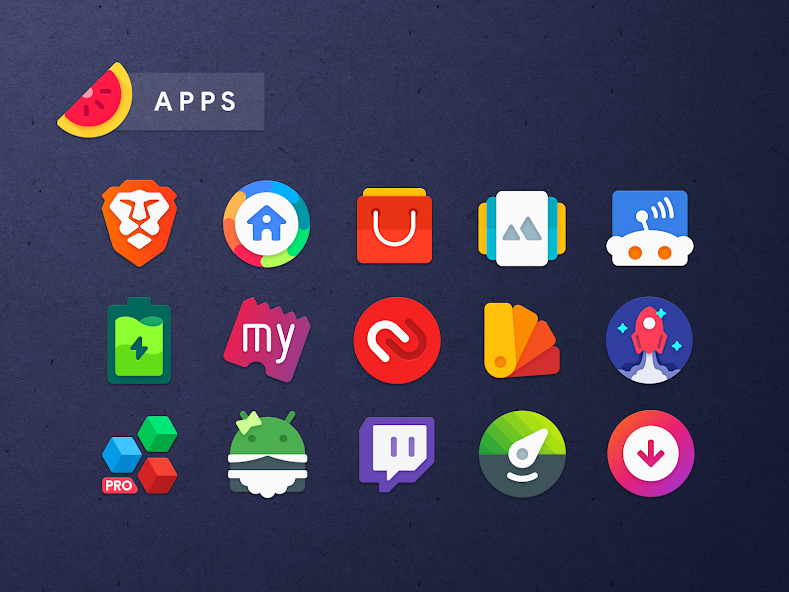
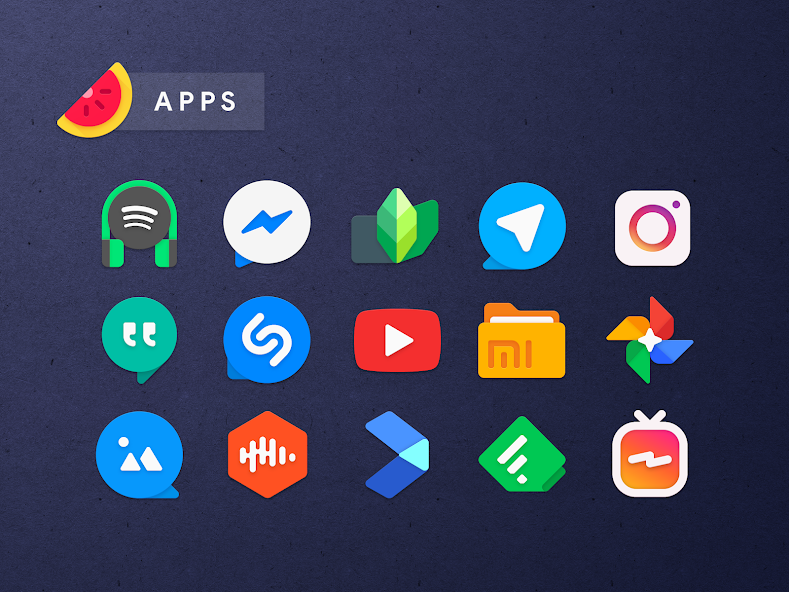
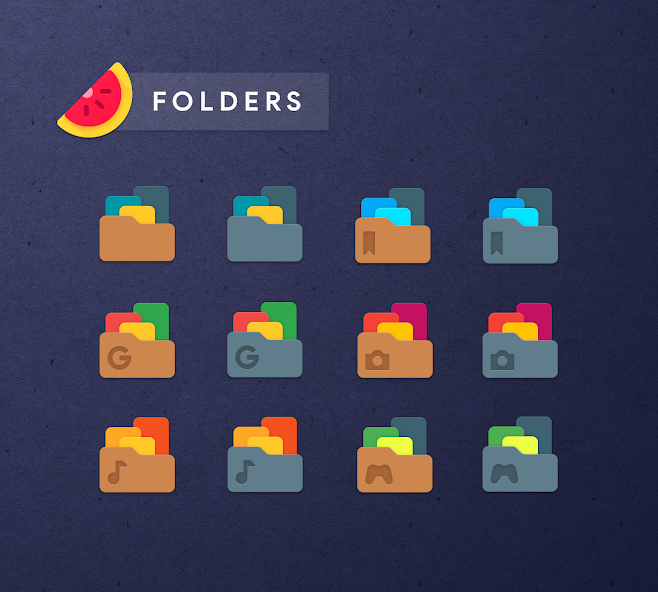
Sliced is a dynamic Android application that offers a vibrant and meticulously crafted icon pack, transforming your device's user interface with a fresh Material Design approach. This application primarily caters to personalization enthusiasts looking to enhance their devices with a consistent and colorful icon appearance. With Sliced, users can expect a collection of over 3,200 beautifully crafted icons, each adhering to Google's Material Design principles to ensure a uniform and aesthetic look. Additionally, the app includes cloud-based wallpapers and is compatible with a wide array of popular third-party Android launchers, providing a seamless customization experience.
Refresh Your Device with Sliced Icons
Sliced Icons brings a revamped visual identity to your Android device using a rich color palette and precise design. This icon pack includes an impressive inventory of 3,220 icons, each crafted in sharp 192x192 resolution. The meticulous slicing technique used in the design process ensures that each icon stands out while maintaining a cohesive overall appearance. Whether you're aiming for a minimalistic or vibrant look, Sliced offers the versatility to fit your style.
Comprehensive Support for Launchers
Sliced enhances personalization by supporting a wide variety of major third-party launchers, making it easy for users to integrate the icon pack without compatibility issues. Supported launchers include Nova Launcher, Action Launcher, ADW Launcher, Apex Launcher, Go Launcher, and many others. This means you can effortlessly apply the icons across different launcher platforms, ensuring a smooth and adaptable user experience without requiring deep technical knowledge.
The Ultimate Personalization Tool
The Sliced icon pack is accompanied by a slick Blueprint dashboard app, developed by Jahir Fiquitiva, which further enriches the user experience by providing easy access to a range of customization tools. Users can conveniently browse the available icons, choose cloud-based wallpapers to match their new theme, and utilize the icon request tool to suggest new icons for future updates. This level of customization empowers users to create a truly personalized device interface.
Downloading and Installing Sliced APK
To install Sliced APK, users should ensure they have enabled the "Unknown Sources" option on their device. This setting allows the installation of applications outside of the official Google Play Store. Once enabled, the process involves downloading the Sliced APK file, saving it to your device, and running the file to complete the installation. The straightforward installation process means users can start personalizing their devices without delay.
Conclusion: A Must-Have for Customization Enthusiasts
Sliced stands out as an essential tool for those looking to personalize their Android devices with sophistication and style. Its impressive collection of high-quality icons and wallpapers, coupled with its extensive launcher compatibility, makes it an appealing choice for users seeking to transform their device's appearance. For those interested in exploring its vibrant visuals and intuitive features, downloading the Sliced APK on your Android device promises a fresh and engaging customization experience.
Apps Information
-
Size
31.51M
-
Language
English
-
Developer
Rahul K Dinesh
-
Version
v2.1.4
-
Updated
11 27, 2026
-
Package
com.b16h22.sliced
-
Category
Theme Wallpapers
Related Topics
More- Wallpaper Free APPS
- Best Tools Apps

11 18, 2026Update
Download the best free wallpaper apps for iPhone in 2026. Find HD wallpapers, live wallpapers, nature scenes, abstract designs, and home screen backgrounds.


11 18, 2026Update
Get the best Android utility apps in 2026. Download free tools for file management, phone cleaning, security, system optimization, and everyday productivity.


Related News
More


You Might Also Like
Change



Similar Apps
More

Featured Topics
More


Popular Apps
More-
View
 Genesia AI
92.67M
-
View
 Douyin
34.81M
-
View
 Cinema FV-5
6.28M
-
View
 SuperDisplay
6.48M
-
View
 PickU
28.95M
-
View
 Photo Scanner
215.49M
-
View
 Supper Z VPN
14.64M
-
View
 Earth 3D - World Atlas
557.57M
Question
- Download failed
- Outdated Resources
- Resource Error
- Viral Applications
- Pornography
- Gambling
- Political Unrest
- Fraud
- Infringement
- Other
Description
Tel
Report or Correction