
SuperDisplay
For Android
Screenshot
Apps Introduction
Transform your Android device into an impressive second display with SuperDisplay. Perfect for creative professionals and multitaskers alike, SuperDisplay offers an effortless way to extend your Windows 10 PC experience using cutting-edge screen mirroring technology. Connect your device seamlessly via USB or Wi-Fi and unleash its full potential with features like pressure sensitivity. SuperDisplay provides a unique opportunity to enhance productivity and creativity, making it a must-have tool for Android users who wish to explore powerful display and drawing capabilities.
Key Features and Functions
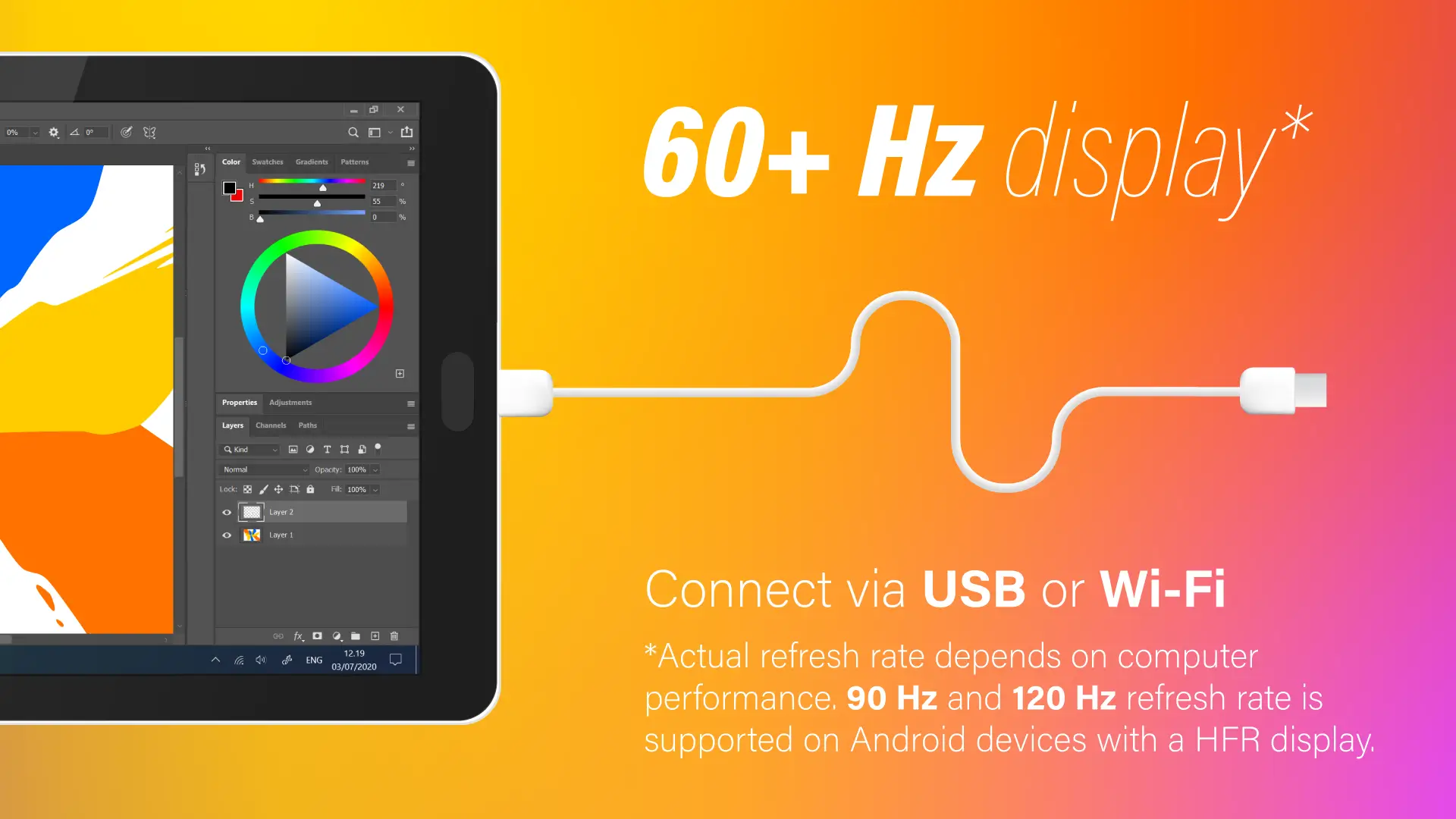
SuperDisplay offers a range of innovative features that enhance both productivity and creativity. One of its standout features is the ability to transform your Android device into a high-performing drawing pad. With support for pressure sensitivity, it integrates seamlessly with popular applications like Adobe Photoshop, allowing digital artists to explore their full creative potential. Additionally, SuperDisplay ensures a smooth and lag-free connection, enabling users to enjoy an engaging touch experience with its flawless performance.
Seamless Connectivity Options
Connecting your Android device to your PC has never been easier. SuperDisplay supports both USB and Wi-Fi connections, offering users the flexibility to choose based on their needs. The app ensures a stable and reliable link to your Windows PC, and its user-friendly setup means you can start expanding your workspace without any complicated steps. Whether you prefer a wired or wireless setup, SuperDisplay provides an unrivalled second-screen experience.
User Experience
SuperDisplay is designed with user satisfaction in mind. Its high frame rate allows for a virtually delay-free experience, making screen mirroring feel effortless. By ensuring seamless integration and smooth performance, users can say goodbye to frustrating lags or connection issues. The app's sleek design and intuitive interface further enhance the user journey, allowing effortless navigation as you work or create.
Practical Applications
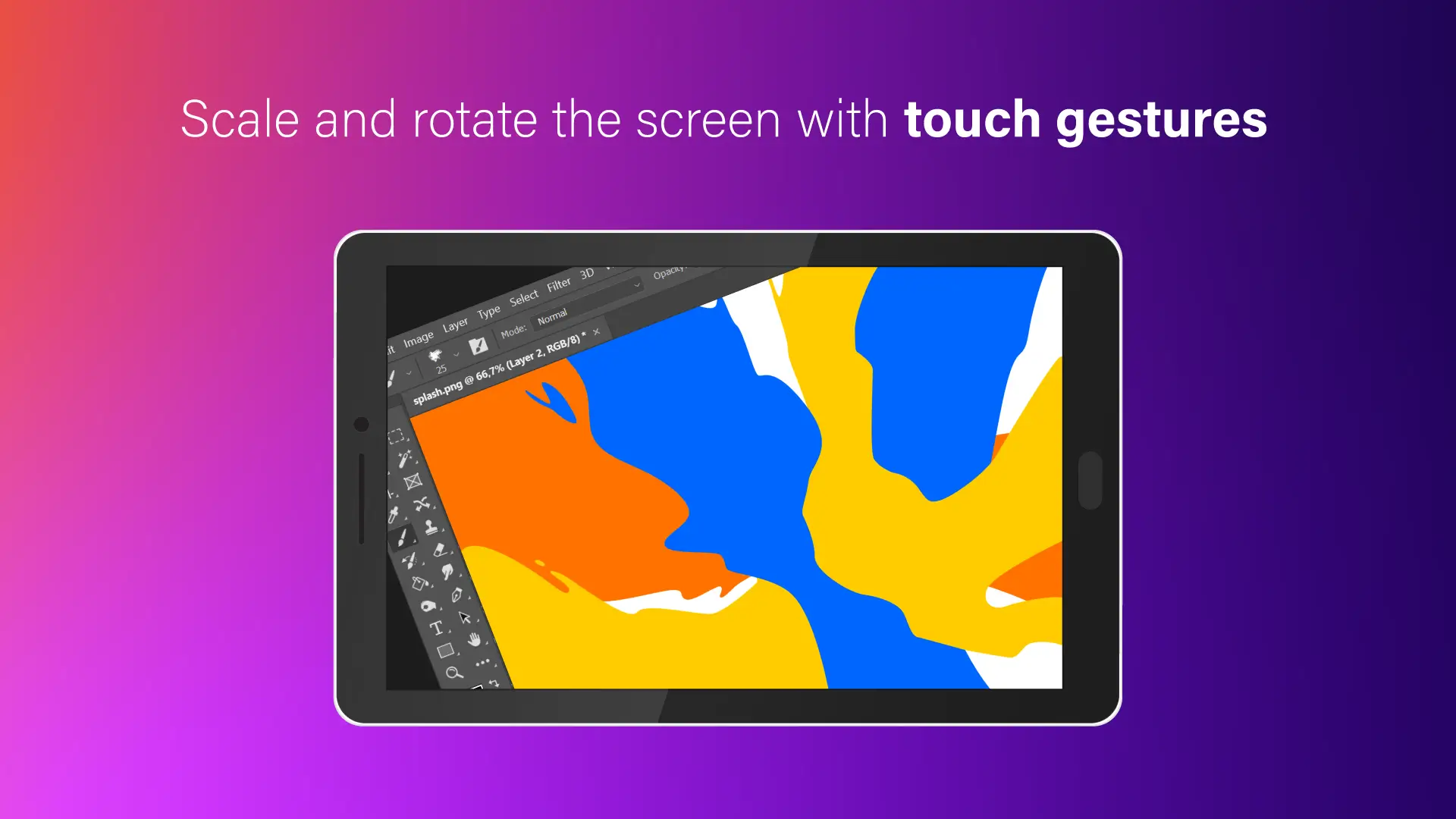
The versatility of SuperDisplay makes it suitable for numerous applications. It is perfect for professionals who need additional screen space for tasks such as design, coding, or editing. Moreover, the ability to switch orientations between vertical and horizontal views offers adaptability for various workflows, making SuperDisplay an ideal companion for boosting productivity across numerous contexts.
Download SuperDisplay Today
With its outstanding array of features, SuperDisplay is an invaluable tool for anyone looking to enhance their Windows experience through Android devices. Its capability to improve multitasking and support creative ventures makes it ideal for both professionals and hobbyists. Discover the powerful dual-screen potential of SuperDisplay by downloading the APK from your preferred Android source. Elevate your device's utility and enjoy a seamless, proactive connection with this state-of-the-art application.
Apps Information
-
Size
6.48M
-
Language
English
-
Developer
Coffee & Work.
-
Version
v1.2.25
-
Updated
11 27, 2026
-
Package
com.kelocube.mirrorclient
-
Category
System Tools
Related News
More


You Might Also Like
Change





Similar Apps
More-
View
 Xmind
24.22M
-
View
 Macrorify
5.77M
-
View
 Vivid N.G.
4.95M
-
View
 Gemmy AI
91.89M
-
View
 ezPDF Reader
63.64M
- View
-
View
 Vmake
263.6M
-
View
 Virtual Xposed
10.1M
Featured Topics
More


Popular Apps
More-
View
Xmind
24.22M
-
View
 FakeGPS Route
2.79M
-
View
Macrorify
5.77M
-
View
 ArtCollage Pro
43.09M
-
View
 OSDE
68.19M
-
View
 Blurrr
236.66M
-
View
 Hydro Coach PRO
14.27M
-
View
Vivid N.G.
4.95M
Question
- Download failed
- Outdated Resources
- Resource Error
- Viral Applications
- Pornography
- Gambling
- Political Unrest
- Fraud
- Infringement
- Other
Description
Tel
Report or Correction