
Copy My Data
For Android
Screenshot
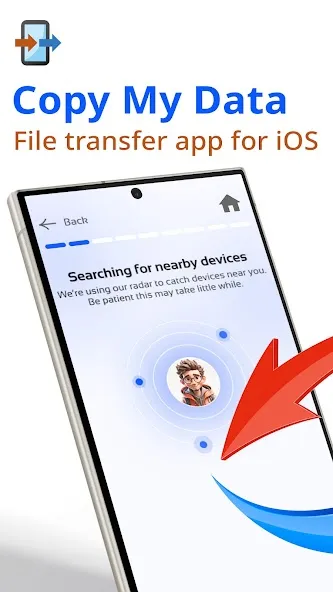
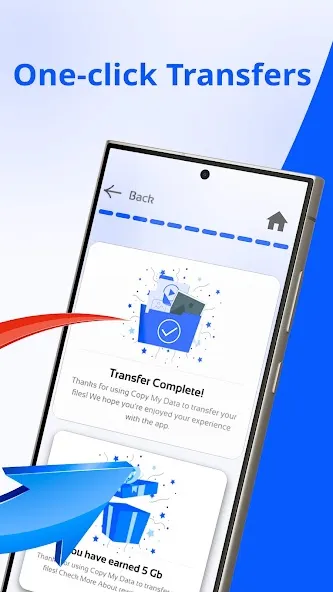
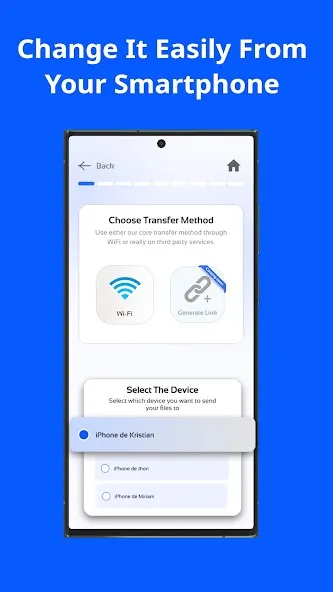
Apps Introduction
For those looking to seamlessly transition data from one Android device to another, Copy My Data offers a straightforward and efficient solution. This Android application allows users to transfer contacts, photos, videos, music, and more between devices without losing data integrity. By utilizing a WiFi connection, users can easily clone their important information from an old phone to a new one, making it particularly appealing for those upgrading their devices or changing phone brands. With Copy My Data, Android users can enjoy a hassle-free method of preserving their digital life.
Key Features and Functions
Copy My Data simplifies the data transfer process with its user-friendly interface and effective functions:
- Wireless Data Transfer: No cables or computers needed. Simply utilize your WiFi network for a secure and efficient transfer.
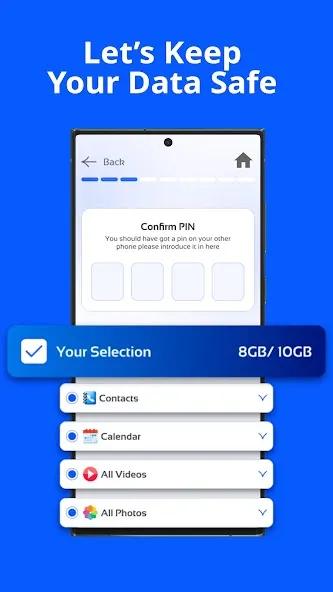
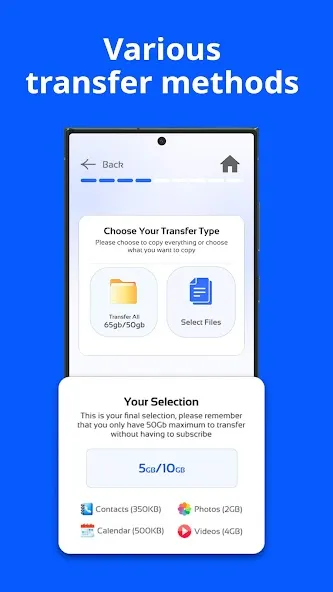
- Comprehensive Data Options: The app supports a variety of file types including contacts, photos, videos, music files, calendar events, and documents. Customize the transfer by selecting necessary items or opt for a total data clone.
- Secure Connection: Ensuring data safety and maintaining quality between the old and new device, Copy My Data employs a secure WiFi connection.
Seamless User Experience
The application stands out for its simplicity. Users only need to install the app on both the old and new devices, connect them to the same WiFi network, and follow a few guided steps. With its clear on-screen instructions, even individuals without technical skills can perform data transfers effortlessly. This saves users significant time and stress, particularly when transitioning to a new smartphone.
Advantages and Limitations
Copy My Data provides Android users with a quick solution for switching devices. Key advantages include its fast operational speed, secure data transfer, and the ease of not relying on cloud services or external hardware. However, it does require both devices to be on the same WiFi network, which may not always be convenient in every situation.
Getting Started with Copy My Data
Android users keen on exploring Copy My Data can easily download the APK to embark on a smooth transition to their new device. With its practical features, uncomplicated process, and reliable performance, it appeals to anyone needing to efficiently manage their data during device upgrades or changes. Downloading Copy My Data offers peace of mind and convenience, ensuring your vital information moves with you seamlessly.
Apps Information
-
Size
100.67M
-
Language
English
-
Developer
Red Sky Labs
-
Version
v70.3.3
-
Updated
11 23, 2026
-
Package
com.mediamushroom.copymydata
-
Category
System Tools
Related News
More


You Might Also Like
Change




Similar Apps
More-
View
 Wireless Earphones
26.71M
-
View
 Speed Check
7.62M
-
View
 Recepciones
41.71M
-
View
 AVG Cleaner
70.72M
-
View
 MobiSaver
37.11M
-
View
 Alarm Clock
9.01M
-
View
 Dual Space Pro
45.57M
-
View
 B2C SFA
95.25M
Featured Topics
More


Popular Apps
More-
View
Wireless Earphones
26.71M
-
View
 La Matinale
24.97M
-
View
Speed Check
7.62M
-
View
 MyGirl AI Girlfriend
24.62M
-
View
 Apk Editor Pro
61.92M
-
View
 Fandango
35.41M
-
View
Recepciones
41.71M
-
View
 Miga Town My TV Shows
78.06M
Question
- Download failed
- Outdated Resources
- Resource Error
- Viral Applications
- Pornography
- Gambling
- Political Unrest
- Fraud
- Infringement
- Other
Description
Tel
Report or Correction