
Apk Editor Pro
For Android
Screenshot
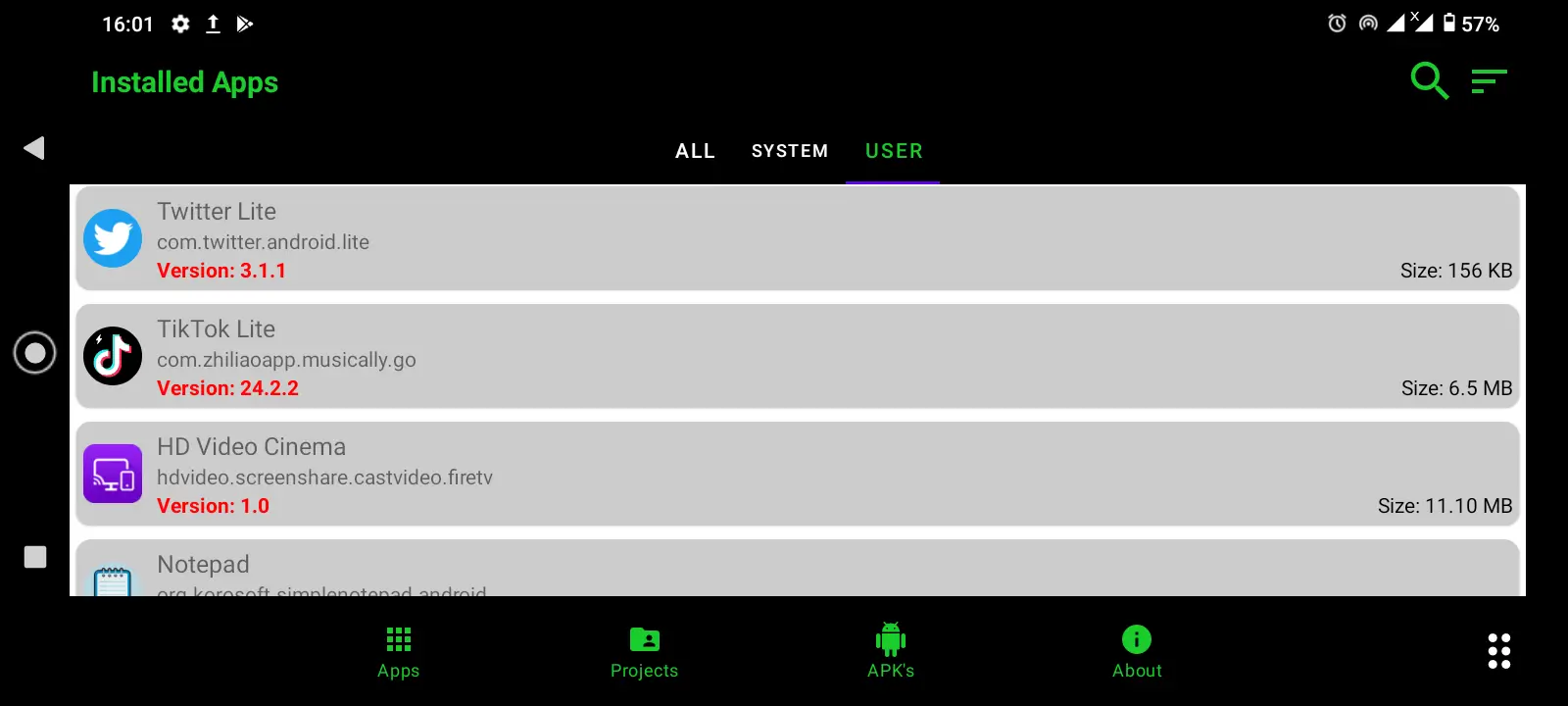
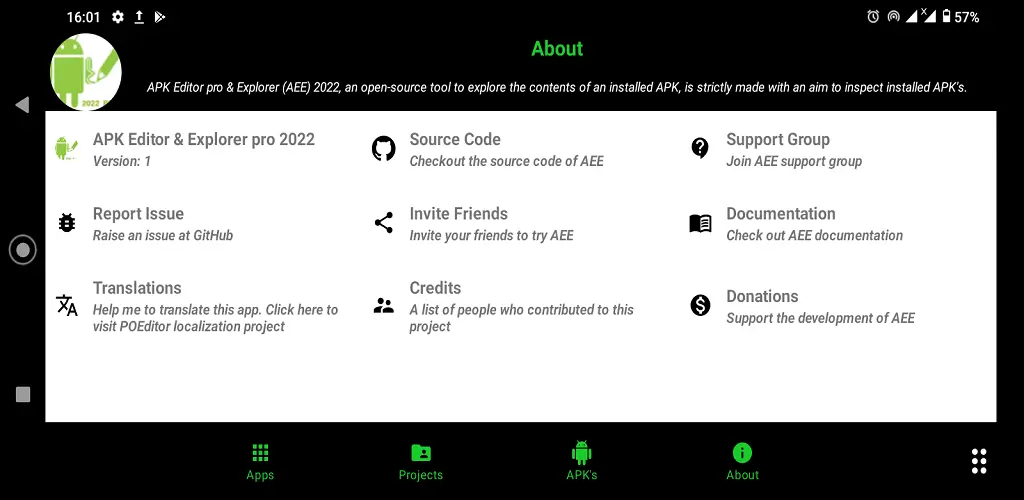
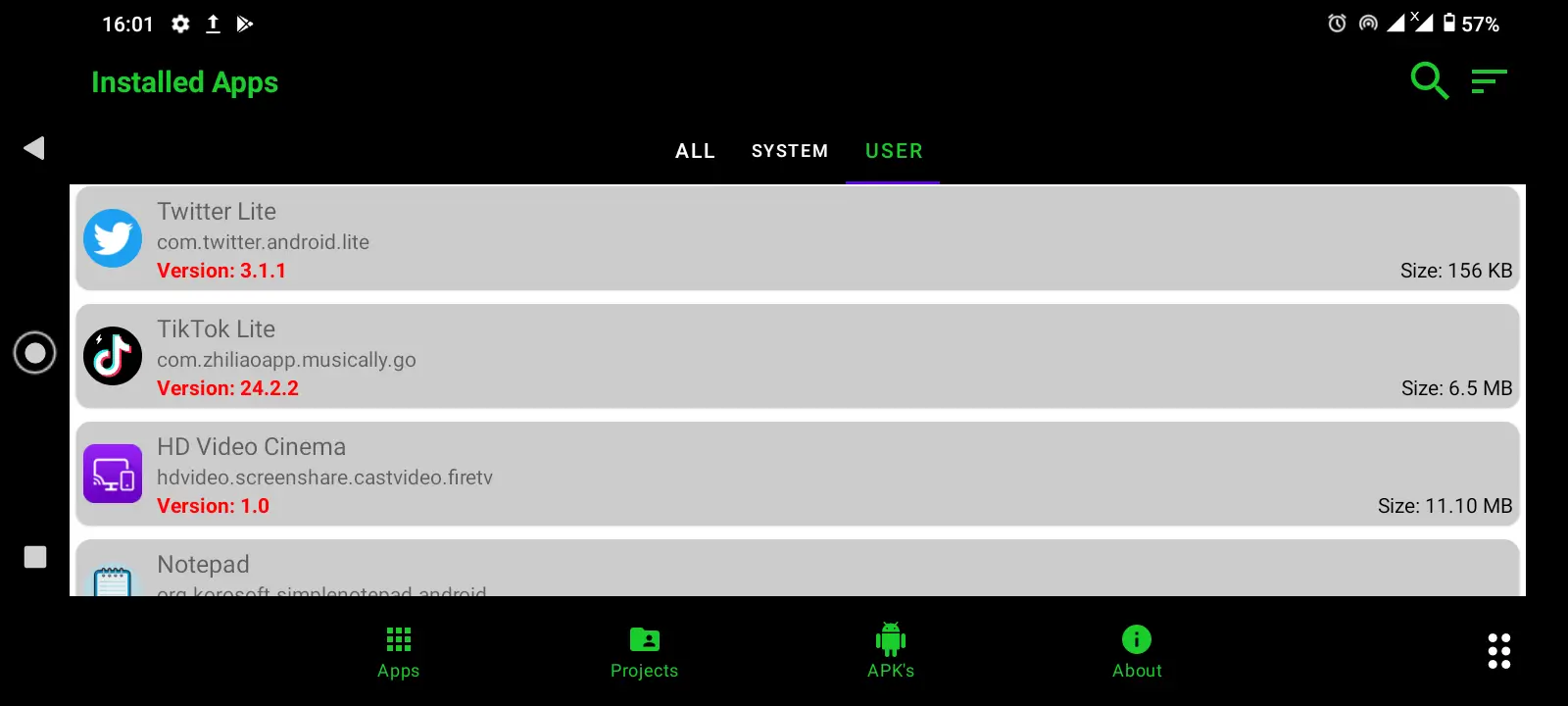
Apps Introduction
Apk Editor Pro is a versatile Android application specifically designed to empower users with the ability to customize and modify APK files. This powerful tool provides a user-friendly interface suitable for both beginners and experienced developers. By using Apk Editor Pro, users can expect to revolutionize their interaction with mobile applications through extensive customization options. It allows for resource and code editing, thus enabling users to personalize apps and enhance their functionality without constraints, providing an unmatched creative experience.
Comprehensive Customization Capabilities
Apk Editor Pro excels in its ability to allow users to edit app icons, graphics, layouts, and strings, providing endless possibilities for personalization. Advanced users with programming knowledge can delve deeper by modifying the application code itself, offering the ability to enhance functionalities and rectify any defects. Additionally, its patch feature enables modifications to APK files while preserving the original source code, making it ideal for users looking to test or add functionalities to third-party applications.
User-Friendly Interface and Accessibility
Featuring an intuitive interface, Apk Editor Pro caters to novices and seasoned developers alike, with simple menus and tools making navigation effortless. The multilingual support increases accessibility for a global audience, ensuring users from different regions can interact with the app in their native language. Furthermore, the app provides an ad-free experience, allowing for uninterrupted editing sessions and promoting a smooth workflow.
Advanced Editing Tools and Features
For those interested in elevating their productivity, Apk Editor Pro offers batch processing capabilities, which save time by allowing multiple file modifications simultaneously. The script functionality further enhances customization by automating tasks and performing complex procedures. Developers will appreciate the seamless integration with major IDEs like Android Studio, optimizing workflow and productivity. Moreover, the inclusion of a built-in file manager simplifies project organization and resource management.
Security and Compatibility
Apk Editor Pro ensures security and compliance through features like file encryption and protection against code tampering. Users have the flexibility to work both online and offline, and important updates can be secured whenever internet access is available. The compatibility with diverse Android versions makes it accessible to users with a wide array of devices, ensuring a stable and seamless experience across platforms.
Concluding Thoughts on Apk Editor Pro
In summary, Apk Editor Pro offers a powerful suite of tools that unlock the full potential of Android device customization. Its extensive capabilities in resource and code editing, combined with a user-friendly interface and support for various skill levels, make it a standout choice for those seeking to modify Android apps. The app's stability, security measures, and ongoing updates ensure it remains a reliable tool for innovators and developers. For anyone eager to take control of their digital experiences, Apk Editor Pro stands as a dynamic resource for creativity and productivity in the app development landscape.
Apps Information
-
Size
61.92M
-
Language
English
-
Developer
Ben techs.
-
Version
v605.0.0
-
Updated
11 24, 2026
-
Package
com.apkeditor.new.explorer3
-
Category
Work & Study
Related Topics
More- Best Tools Apps

11 18, 2026Update
Get the best Android utility apps in 2026. Download free tools for file management, phone cleaning, security, system optimization, and everyday productivity.
-
View
 Speed Check
System Tools / 7.62MB
-
View
Apk Editor Pro
Work & Study / 61.92MB
-
View
 Miga Town My TV Shows
Work & Study / 78.06MB
-
View
 AVG Cleaner
System Tools / 70.72MB
-
View
 Forma Healthy
Lifestyle Services / 55.7MB
-
View
 AutoResponder for SGNL
Social Chat / 15.59MB
Related News
More


You Might Also Like
Change




Similar Apps
More



Featured Topics
More


Popular Apps
More-
View
 Wireless Earphones
26.71M
-
View
 La Matinale
24.97M
-
View
Speed Check
7.62M
-
View
 MyGirl AI Girlfriend
24.62M
-
View
Apk Editor Pro
61.92M
-
View
 Fandango
35.41M
-
View
 Recepciones
41.71M
-
View
Miga Town My TV Shows
78.06M
Question
- Download failed
- Outdated Resources
- Resource Error
- Viral Applications
- Pornography
- Gambling
- Political Unrest
- Fraud
- Infringement
- Other
Description
Tel
Report or Correction