
Smile Launcher
For Android
Screenshot
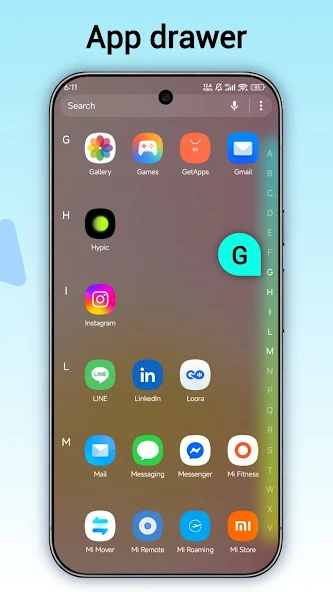
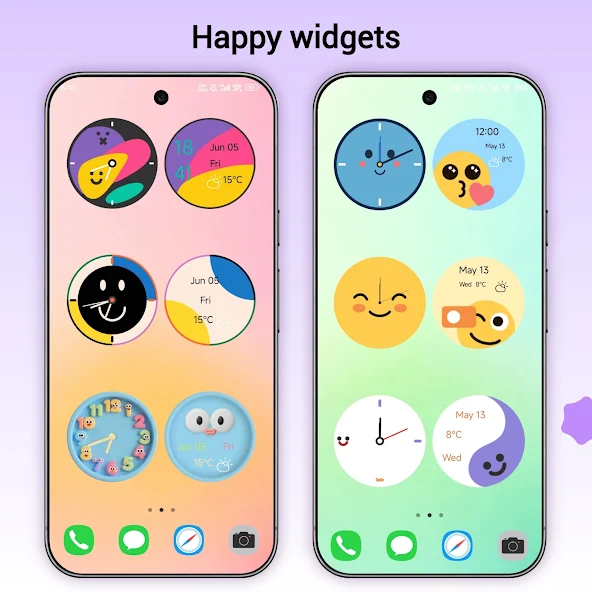
Apps Introduction
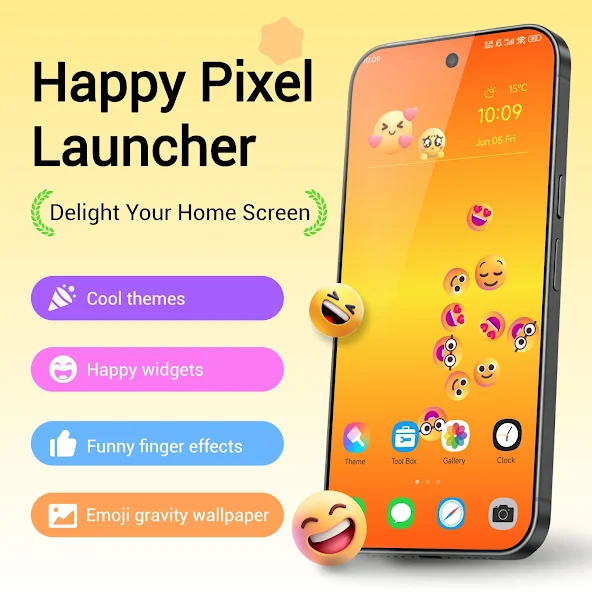
For Android users looking to add a touch of personalization and joy to their mobile experience, Smile Launcher is a compelling option. Smile Launcher is an Android application designed to revamp your phone's interface with vibrant themes, engaging emojis, and a comprehensive set of customization options. This application provides users with a versatile, user-friendly launcher that enhances the visual and functional aspects of their Android devices. It's particularly useful for users seeking a novel and fun alternative to their default launchers, making their device not just a tool, but a reflection of their style and mood.
Main Features of Smile Launcher
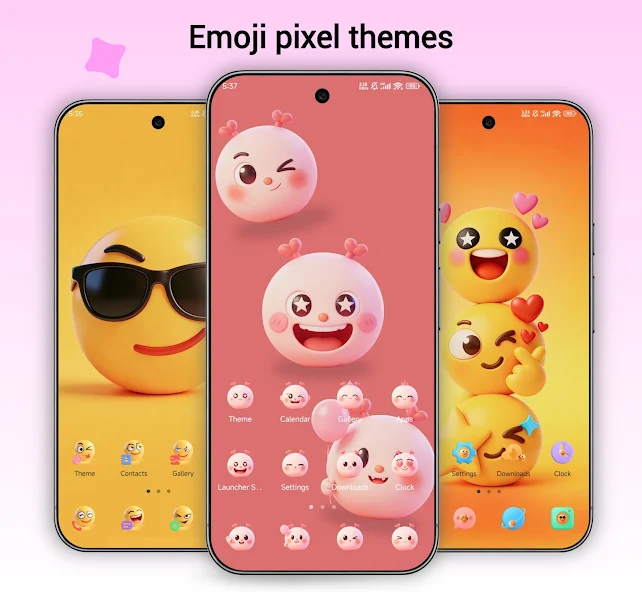
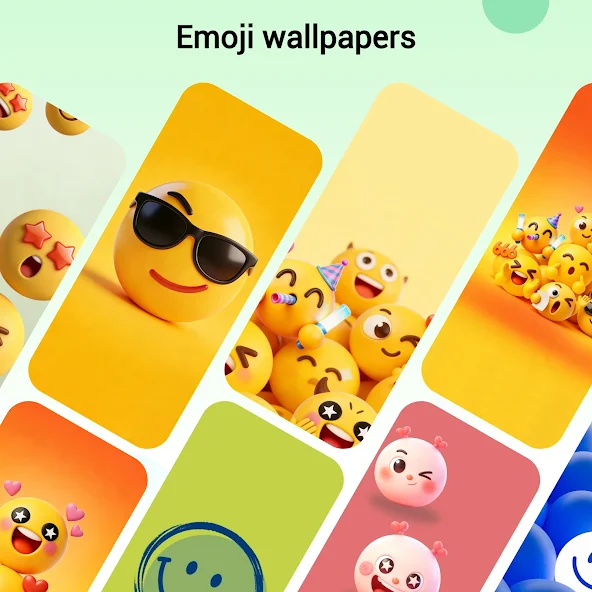
Smile Launcher brings a plethora of features aimed at creating a unique and enjoyable user experience. At its core, it offers a diverse array of themes and wallpapers available for download, allowing users to quickly transform their phone's appearance to suit their mood or occasion. The app supports almost all Android devices running version 5.0 and above, ensuring broad compatibility and smooth functionality across different phones.
Customization and Usability
With Smile Launcher, users have the freedom to tailor their home screens with various icon styles and color options, offering a sleek and modern look. It supports numerous gestures like swipe, pinch, and two-finger actions, providing quick access to essential functions. Furthermore, users can benefit from a flexible drawer organization available in horizontal, vertical, category, or list formats, accommodating different preferences.
Advanced Features and Tools
Smile Launcher is packed with additional features that enhance usability and security. Users can take advantage of the app lock feature to protect sensitive apps, hide apps to maintain privacy, or receive notifications for unread messages directly on desktop icons. Additionally, the app supports round corner screens for a full-screen phone aesthetic and includes multi-dock pages for enhanced screen organization.
Visual Aesthetics and Functionality
Beyond customization, Smile Launcher provides an aesthetic upgrade with its support for live and video wallpapers, dynamic desktop transitions, and integration with third-party icon packs. Users can also enjoy different display modes—light, dark, or automatic—to suit varying lighting conditions or personal preferences.
Enhance Your Android Experience with Smile Launcher
In conclusion, Smile Launcher is perfect for any Android user eager to elevate the appearance and functionality of their mobile device. By delivering an array of customization tools and practical features, it stands out as a remarkable choice for those wanting a fresh and lively phone interface. Explore the Android APK download options to take advantage of this engaging application and make your smartphone experience more personalized.
Apps Information
-
Size
33.97M
-
Language
English
-
Developer
Cool Launcher App Team
-
Version
v11.2
-
Updated
11 24, 2026
-
Package
com.pixel.launcher.cool
-
Category
System Tools
Related Topics
More- Wallpaper Free APPS
- Best Tools Apps

11 18, 2026Update
Download the best free wallpaper apps for iPhone in 2026. Find HD wallpapers, live wallpapers, nature scenes, abstract designs, and home screen backgrounds.
-
View
Smile Launcher
System Tools / 33.97MB
-
View
 MIUI Theme Editor
Theme Wallpapers / 138.54MB
-
View
 AI Art Generator
Work & Study / 95.76MB
-
View
 Spheroid
Theme Wallpapers / 128.32MB
-
View
 PixaMotion
Photo Enhancement / 64.79MB
-
View
 UgPhone
System Tools / 130.81MB

11 18, 2026Update
Get the best Android utility apps in 2026. Download free tools for file management, phone cleaning, security, system optimization, and everyday productivity.
-
View
 Speed Check
System Tools / 7.62MB
-
View
 Apk Editor Pro
Work & Study / 61.92MB
-
View
 Miga Town My TV Shows
Work & Study / 78.06MB
-
View
 AVG Cleaner
System Tools / 70.72MB
-
View
 Forma Healthy
Lifestyle Services / 55.7MB
-
View
 AutoResponder for SGNL
Social Chat / 15.59MB
Related News
More


You Might Also Like
Change





Latest Games
More-
CViewCool Note20 Launcher
Theme Wallpapers / 33.65M
Similar Apps
More-
View
 Wireless Earphones
26.71M
-
View
Speed Check
7.62M
-
View
 Recepciones
41.71M
-
View
AVG Cleaner
70.72M
-
View
 MobiSaver
37.11M
-
View
 Alarm Clock
9.01M
-
View
 Dual Space Pro
45.57M
-
View
 B2C SFA
95.25M
Featured Topics
More


Popular Apps
More-
View
Wireless Earphones
26.71M
-
View
 La Matinale
24.97M
-
View
Speed Check
7.62M
-
View
 MyGirl AI Girlfriend
24.62M
-
View
Apk Editor Pro
61.92M
-
View
 Fandango
35.41M
-
View
Recepciones
41.71M
-
View
Miga Town My TV Shows
78.06M
Question
- Download failed
- Outdated Resources
- Resource Error
- Viral Applications
- Pornography
- Gambling
- Political Unrest
- Fraud
- Infringement
- Other
Description
Tel
Report or Correction