

Auto Optimizer
For Android
Screenshot
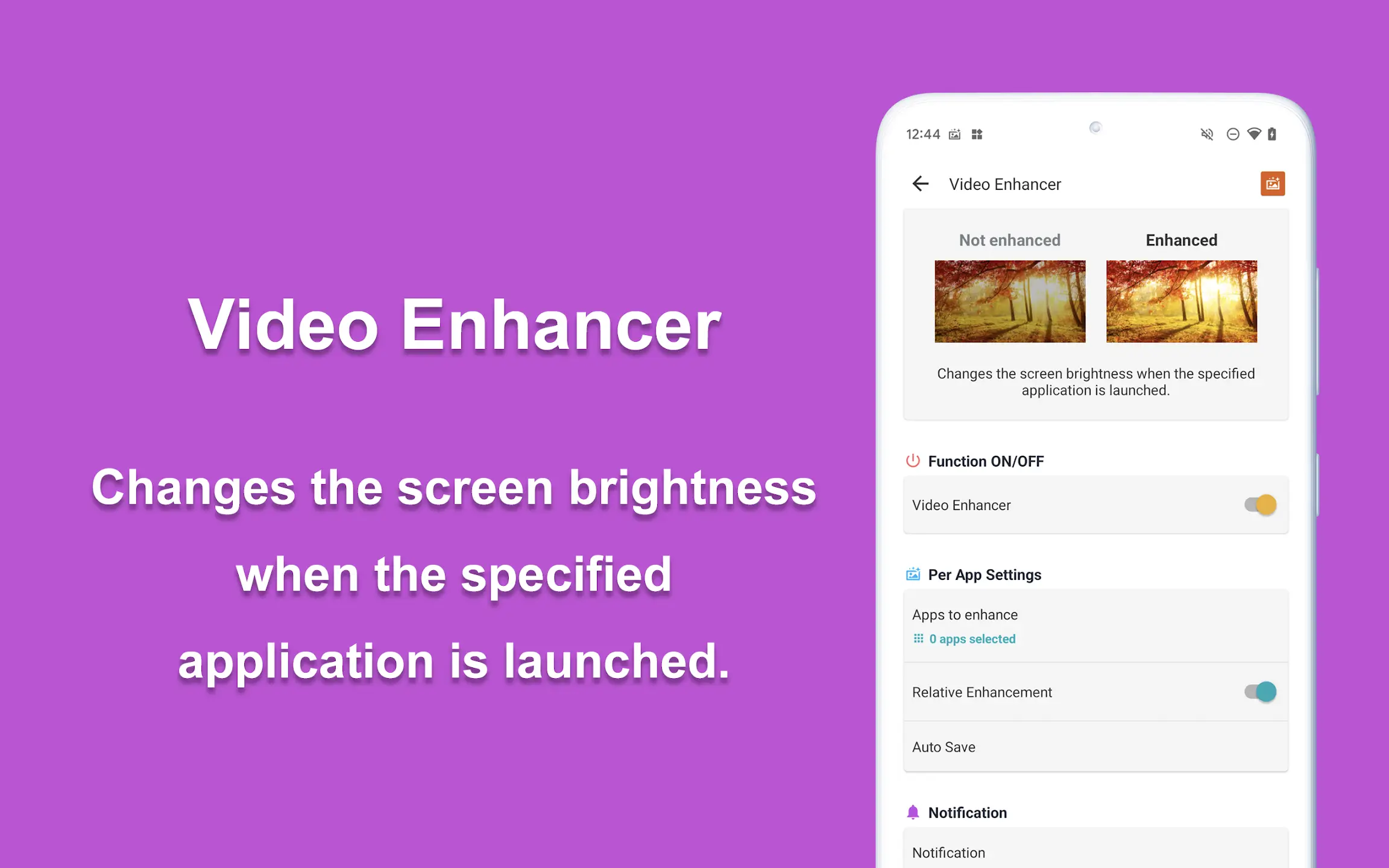
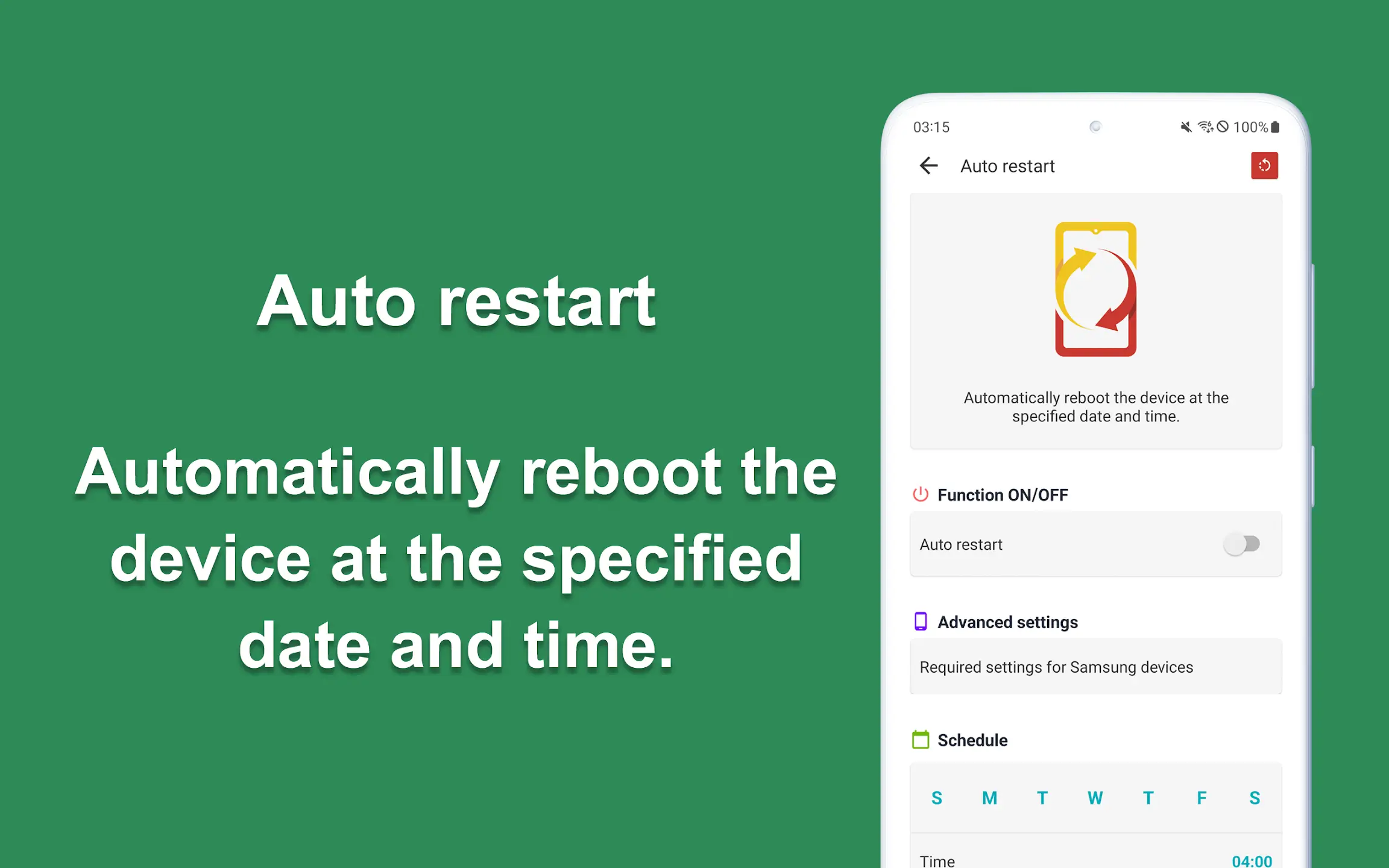
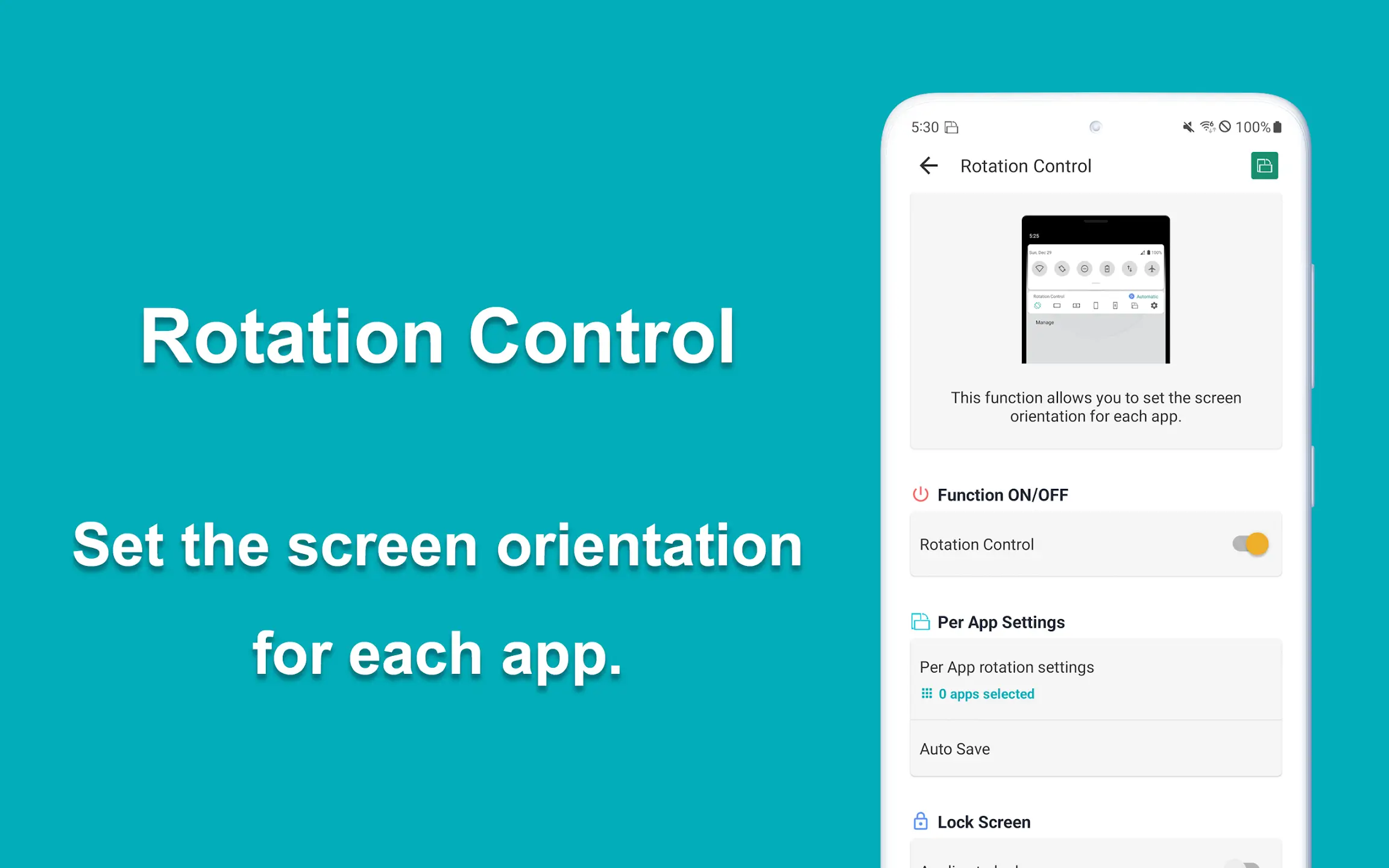
Apps Introduction
Auto Optimizer is an Android application designed to enhance device performance and efficiency. By focusing on removing unnecessary files and cooling down overheating systems, Auto Optimizer helps maintain peak device efficiency. Its primary goal is to boost the performance of your Android device through effective cleaning and optimization processes. Users can anticipate a smoother experience as the app cleans up junk files, restricts unnecessary background activities, and provides enhanced security layers. With Auto Optimizer, Android users can expect improved performance, prolonged battery life, and a more responsive device interface.
Boost Overall Device Performance with Auto Optimizer
Auto Optimizer optimizes your device's performance by targeting and removing temporary and junk files that can hinder efficiency. By cleaning your device of these unwanted files, Auto Optimizer reduces the burden on system resources, allowing your device to function more smoothly. This utility app integrates easily with your device, using its suite of tools to ensure peak performance and efficiency.
Effective File and Memory Management
The core of Auto Optimizer lies in its ability to manage files and memory effectively. It initiates the optimization process by identifying and deleting unnecessary files and memory-hogging applications. This step improves device functionality and reduces operating pressure. Users seeking to enhance their devices' performance will find this feature particularly beneficial.
Enhance Battery Life
Beyond file removal, Auto Optimizer also excels in improving battery efficiency. By optimizing background processes and reducing unnecessary application activity, the app helps extend battery life. This reduction in unnecessary usage means devices can operate longer between charges, providing more convenience to users.
Deep Cleaning for Superior Performance
Auto Optimizer is renowned for its deep cleaning capabilities, which significantly boost device performance and efficiency. By thoroughly purging junk files, it helps free up vital space, ensuring your device operates smoothly. This deep clean process is essential for maintaining optimal functionality and offering a flawless user experience.
Security and Malware Protection
In addition to performance optimization, Auto Optimizer enhances device security. It removes malicious files that can compromise your device's efficiency and personal data security. By incorporating these security layers, Auto Optimizer protects against foreign attacks, providing peace of mind for users concerned about privacy.
Enjoy a Lag-Free Gaming Experience
With Auto Optimizer, Android users can enjoy a smoother gaming experience. The application minimizes lag by eliminating bugs and optimizing system performance, ensuring games run seamlessly. This means avid gamers can enjoy extended gaming sessions without interruptions caused by slow system responses.
Embrace a Faster and Cleaner Device
Auto Optimizer ensures your Android device remains at its best by enhancing functionality and performance. By systematically clearing unwanted files and optimizing processes, it helps users achieve greater device efficiency. If you're keen on maintaining a high-performance Android device, exploring Auto Optimizer for its cleaning and security features is a wise decision. Ready to enhance your device? Discover Auto Optimizer's capabilities through its downloadable version tailored for Android users.
Apps Information
-
Size
26.46M
-
Language
English
-
Developer
HDM Dev Team.
-
Version
v2.0.1.7
-
Updated
11 23, 2026
-
Package
jp.snowlife01.android.autooptimization.v2trial
-
Category
System Tools
Related Topics
More- Best Tools Apps

11 18, 2026Update
Get the best Android utility apps in 2026. Download free tools for file management, phone cleaning, security, system optimization, and everyday productivity.
-
View
 Automatic Subtitles & Captions
Video & Audio / 70.21MB
-
View
 Movavi Clips
Video & Audio / 71.43MB
-
View
 Artify
System Tools / 17.86MB
-
View
 MultiTimer
System Tools / 9.84MB
-
View
 Video MP3 Converter
Video & Audio / 13.88MB
-
View
 Blend Photos
Theme Wallpapers / 25.36MB
Related News
More


You Might Also Like
Change




Similar Apps
More-
View
 Manglish Keyboard
67.36M
-
View
Artify
17.86M
-
View
MultiTimer
9.84M
-
View
 Speed Test
22.17M
-
View
 Caynax Hourly Chime
20.92M
-
View
 Notifications archive
10.97M
-
View
 KillApps
23M
-
View
 Activity Launcher
67.21M
Featured Topics
More


Popular Apps
More-
View
 Phrasal Verbs
20.49M
-
View
Manglish Keyboard
67.36M
- View
-
View
Movavi Clips
71.43M
-
View
Artify
17.86M
-
View
MultiTimer
9.84M
-
View
Speed Test
22.17M
-
View
Video MP3 Converter
13.88M
Question
- Download failed
- Outdated Resources
- Resource Error
- Viral Applications
- Pornography
- Gambling
- Political Unrest
- Fraud
- Infringement
- Other
Description
Tel
Report or Correction