
Launcher OS
For Android
Screenshot
Apps Introduction
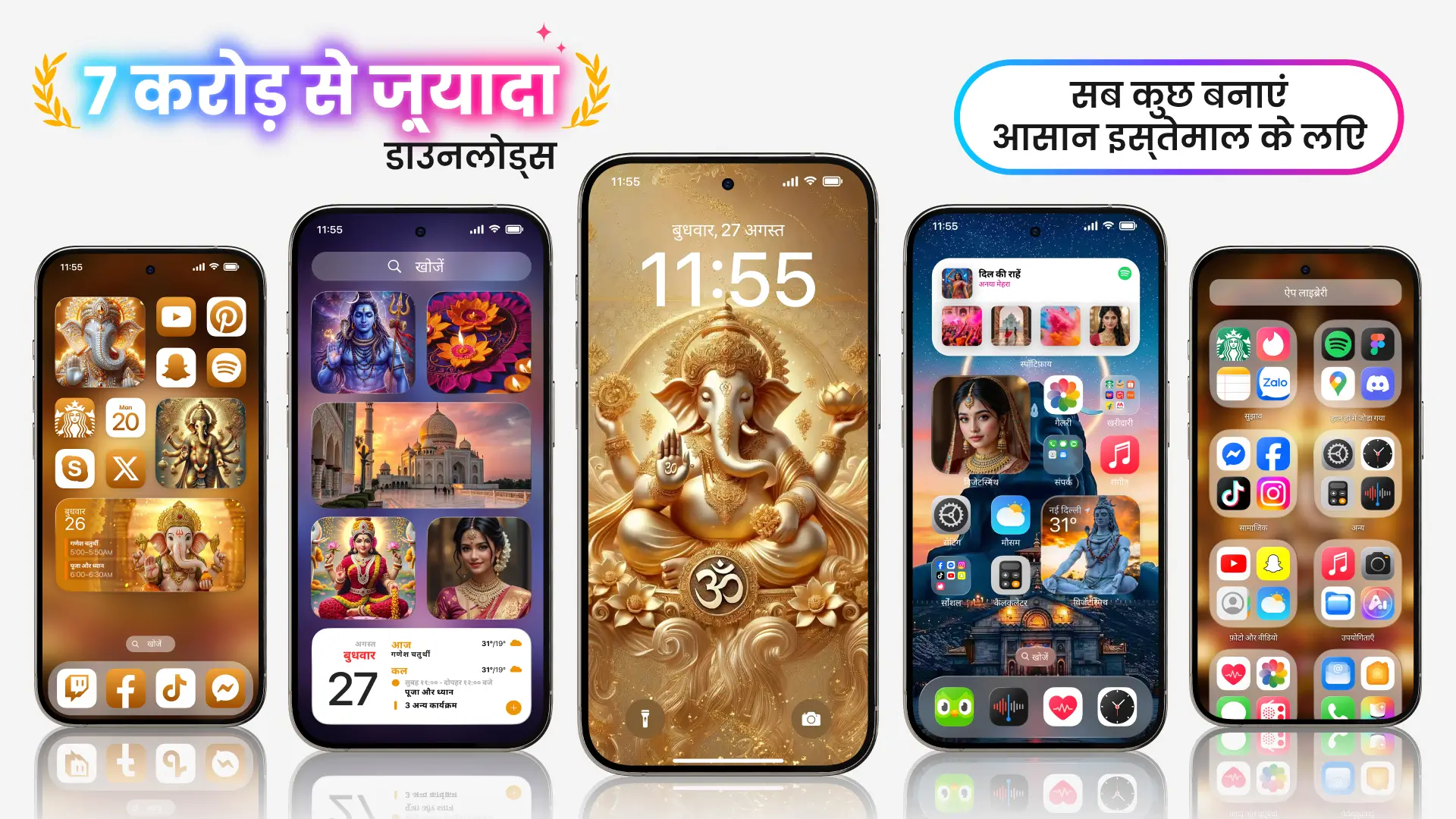
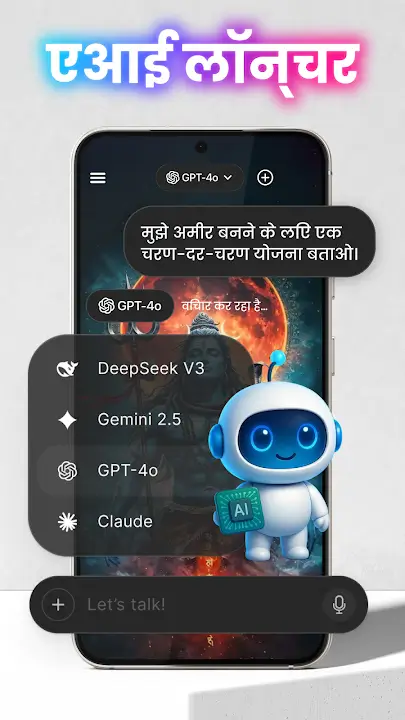
Launcher OS is an Android application designed to transform your device's interface to resemble the sleek aesthetics of iOS. This innovative launcher fuses the minimalist design of Apple with the flexibility of Android, offering users an elegant yet highly customizable experience. Launcher OS integrates iconic iOS features such as the Control Center, App Library, and dynamic notifications, providing an authentic Apple-like appearance while maintaining Android’s inherent openness. Users can expect an interface that mirrors the iOS style, augmented with the customizable options expected from Android launchers.
iOS-Style Interface and Features
Launcher OS stands out by delivering an Android interface closely resembling that of iOS. The transformation is complete with iOS-like home screens, rounded app icons, and a swipe-based transparent Control Center. The launcher mimics the sense of iOS's fluid animations and layout, including dynamically changing wallpapers and a polished notification center. These features provide Android users the closest experience to owning an Apple device without switching ecosystems.
Extensive Customization Capabilities
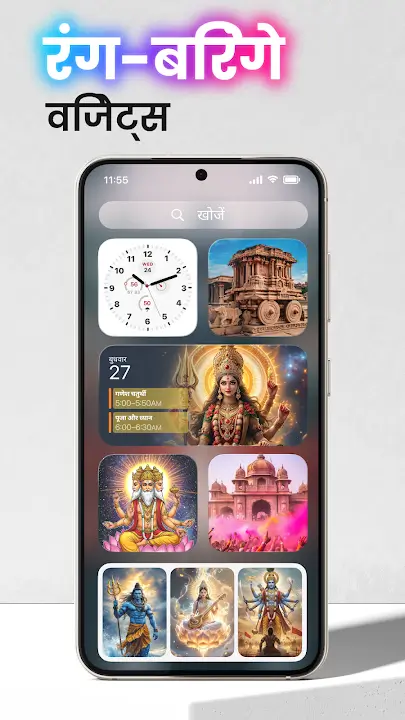
While maintaining an iOS aesthetic, Launcher OS does not compromise on Android’s customization capabilities. Users can personalize their device by changing icon appearances, renaming apps, and even selecting personal images for app icons. The launcher supports HD and 4K wallpapers along with various theme packs, giving users the freedom to tailor their home screens based on preferences. It allows modifications such as resizing icons, applying blur effects, and choosing between dark and light modes for a personalized user interface.
Intelligent Search and App Organization
Launcher OS incorporates a smart search feature akin to iOS’s Spotlight search, enabling users to swiftly locate applications, contacts, and files by swiping down. The integrated App Library automatically organizes apps into categories like Social or Productivity, keeping the home screen uncluttered. This intuitive organization and search facility make it easier for users to navigate their devices efficiently and enjoy a streamlined interface.
Gesture Controls and Ease of Use
The launcher supports modern gesture controls found in iOS devices, offering actions such as double-tapping to lock the screen, swiping to access the app drawer, or pinching to open settings. These gestures, combined with a Touch Control Center and Assistive Touch dot, facilitate comfortable one-handed operation. Users can also configure personalized swipe actions to access apps or settings quickly, enhancing interaction simplicity.
Privacy and Security Features
Launcher OS prioritizes user privacy, incorporating features like PIN, pattern, and face unlock-enabled app lockers to secure sensitive applications. Users can also hide apps to maintain a neat home screen or safeguard personal information. The iOS-themed lock screen offers additional security features, including notifications and passcode protection, without forgoing the Apple design motif.
A Perfect Blend of Style and Function
Launcher OS is the ideal solution for Android users intrigued by the design elegance of iOS but who appreciate Android’s customizable nature. Its aesthetically pleasing interface, coupled with powerful customization options and efficient performance, transforms your device into a stylish yet functional tool. Exploring Launcher OS could be an attractive option for those eager to combine the best features of both worlds on their Android device.
Apps Information
-
Size
130.01M
-
Language
English
-
Developer
Apps Genz.
-
Version
v7.0.2
-
Updated
11 23, 2026
-
Package
com.babydola.launcherios
-
Category
Theme Wallpapers
Related Topics
More- Wallpaper Free APPS

11 18, 2026Update
Download the best free wallpaper apps for iPhone in 2026. Find HD wallpapers, live wallpapers, nature scenes, abstract designs, and home screen backgrounds.
-
View
 AI Art Generator
Work & Study / 95.76MB
-
View
 Spheroid
Theme Wallpapers / 128.32MB
-
View
 PixaMotion
Photo Enhancement / 64.79MB
-
View
 UgPhone
System Tools / 130.81MB
-
View
Launcher OS
Theme Wallpapers / 130.01MB
-
View
 Remote Mouse
System Tools / 57.76MB
Related News
More


You Might Also Like
Change


Similar Apps
More-
View
 Sticker Maker
20.04M
-
View
Spheroid
128.32M
-
View
 Folder Widget
21.96M
-
View
 Facemoji Keyboard
57.92M
-
View
 MagPic - Photo Editor Pro
23.95M
-
View
 Wallfever
7.31M
-
View
 Windy com
45.97M
-
View
 Bluric
25.94M
Featured Topics
More


Popular Apps
More

Question
- Download failed
- Outdated Resources
- Resource Error
- Viral Applications
- Pornography
- Gambling
- Political Unrest
- Fraud
- Infringement
- Other
Description
Tel
Report or Correction