
Polarr Photo Editor
For Android
Screenshot
Apps Introduction
Polarr Photo Editor is a versatile Android application renowned for its rich suite of photo and video editing tools. This app empowers users to transform their media into professional-quality visuals suitable for showcasing on social media platforms. With an impressive array of customizable presets, transitions, styles, and effects, Polarr Photo Editor provides both the novice and experienced editor with the means to enhance their images. It's particularly noted for its user-friendly interface and integration capabilities, allowing seamless operations with other applications. Users can anticipate a comprehensive editing experience that is both flexible and efficient.
Comprehensive Editing Features
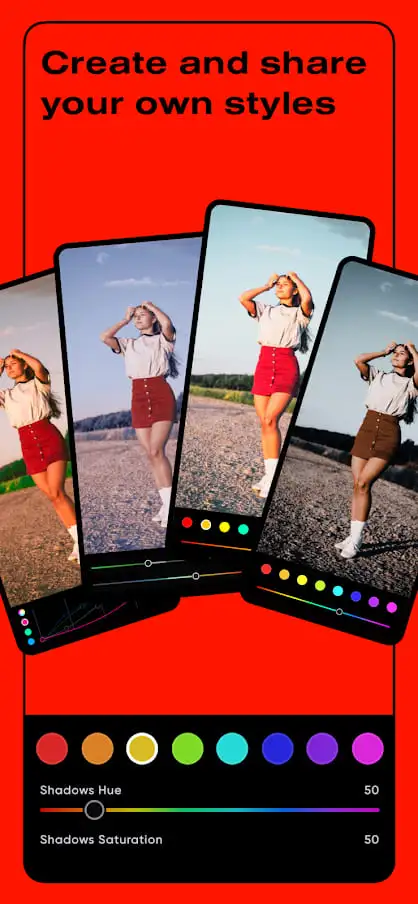
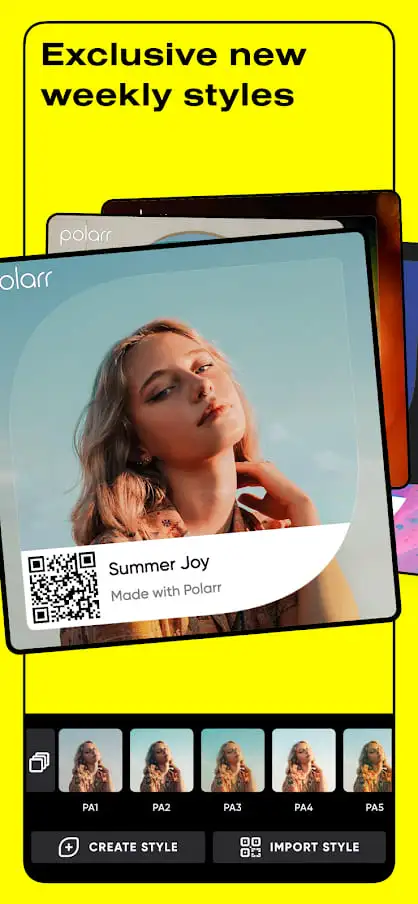
Polarr Photo Editor is packed with advanced editing tools designed to cater to a wide range of creative needs. Users can enjoy an extensive selection of filters that enable the creation of stunning visual effects. The app offers an array of adjustable presets and overlays, ensuring that each photo edited remains unique and professional. Additionally, Polarr supports dynamic transitions and effects that can alter contrast, themes, and more, presenting limitless possibilities for image customization.
Innovative Element Replacement
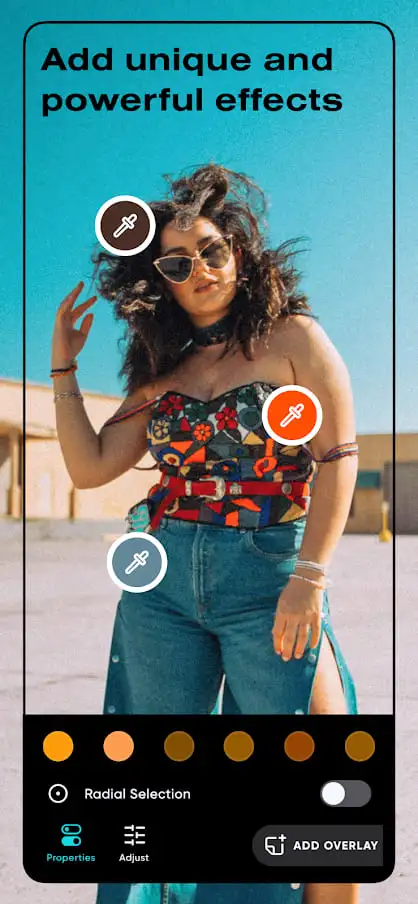
One of the standout features of Polarr Photo Editor is its ability to replace elements within a photo. Users can switch a photograph’s background, modify subjects, or incorporate new accessories like eyewear or clothing. This functionality provides immense flexibility for creative expression and allows for inventive alterations that appear seamless. The application supports thousands of elements that can be integrated into any photo, enhancing its visual allure without apparent traces of editing.
Seamless Application Integration
To boost productivity, Polarr Photo Editor offers seamless integration with other third-party applications. This function allows users to employ Polarr's powerful tools within different platforms without the need to continuously switch between apps. Such integration facilitates a smoother workflow, optimal for users who engage in constant editing and need versatile and accessible tools across various software.
Ad-Free and Extended Access
What's particularly exceptional about Polarr Photo Editor is its modification to provide a premium experience without cost. Users gain access to premium features without any subscription fees. The app maintains an ad-free environment, ensuring uninterrupted and efficient editing. It also boasts robust security measures, protecting users from potential viruses and allowing a worry-free user experience.
Conclusion: Elevate Your Media Editing
Polarr Photo Editor stands out as a powerful tool for Android users seeking to elevate their photo and video editing. With its advanced customization options and seamless third-party integration, it provides a top-tier editing experience. The app is ideal for those eager to enhance their social media presence with professional-quality edits. For anyone looking to explore its wide range of capabilities, detailed information on how to download this application for Android devices is readily available online.
Apps Information
-
Size
76.75M
-
Language
English
-
Developer
Polarr.
-
Version
v6.12.0
-
Updated
11 25, 2026
-
Package
photo.editor.polarr
-
Category
Photo Enhancement
Related Topics
More- Best Tools Apps

11 18, 2026Update
Get the best Android utility apps in 2026. Download free tools for file management, phone cleaning, security, system optimization, and everyday productivity.
-
View
 Automatic Subtitles & Captions
Video & Audio / 70.21MB
-
View
 Movavi Clips
Video & Audio / 71.43MB
-
View
 Artify
System Tools / 17.86MB
-
View
 MultiTimer
System Tools / 9.84MB
-
View
 Video MP3 Converter
Video & Audio / 13.88MB
-
View
 Blend Photos
Theme Wallpapers / 25.36MB
Related News
More


You Might Also Like
Change



Similar Apps
More-
View
 EnhanceFox
260.79M
-
View
 Ask Me Anything
96.9M
-
View
 GIF Maker
40.84M
-
View
 Colorize
61.9M
-
View
 Google Camera
1539.3M
-
View
 AI Enhancer
107.27M
-
View
 Any do
81.98M
-
View
 Presets for Lightroom
86.67M
Featured Topics
More


Popular Apps
More-
View
 Phrasal Verbs
20.49M
-
View
 Manglish Keyboard
67.36M
- View
-
View
Movavi Clips
71.43M
-
View
Artify
17.86M
-
View
MultiTimer
9.84M
-
View
 Speed Test
22.17M
-
View
Video MP3 Converter
13.88M
Question
- Download failed
- Outdated Resources
- Resource Error
- Viral Applications
- Pornography
- Gambling
- Political Unrest
- Fraud
- Infringement
- Other
Description
Tel
Report or Correction